
 Need help?
Do you have a question about the Targus SUPERSPEED and is the answer not in the manual?
Configure display to extend desktop to an additional monitor for increased workspace.
Duplicate primary screen content on the connected display for synchronized viewing.
Adjust Windows desktop size to precisely fit the boundaries of a connected television.
Access customer support and documentation via the Targus website for assistance.
Contact Targus support by phone in various countries for direct assistance.
 General
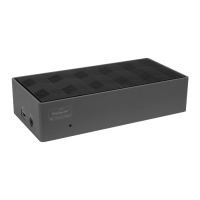
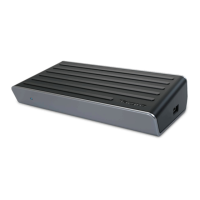
| Brand | Targus |
|---|---|
| Model | SUPERSPEED |
| Category | Docking Station |
| Language | English |






 To Next Page