
 Need help?
Do you have a question about the Targus DOCK182 and is the answer not in the manual?
Locate the correct power tip, testing fit in laptop if needed.
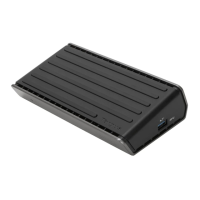
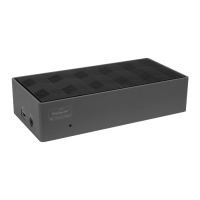
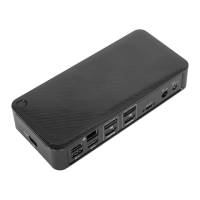
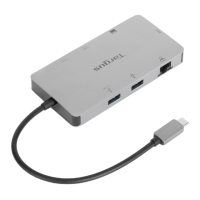
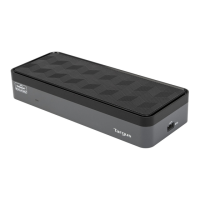
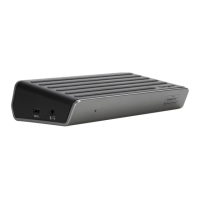
Overview of ports on the docking station, including USB-C, Audio, Ethernet, DisplayPort, HDMI.
Ensure PC drivers and firmware are updated for optimal performance.
Download and install DisplayLink Manager for monitor configuration.
Install DisplayLink software for macOS from www.targus.com.
Install the DisplayLink Desktop app from Google Play Store.
 General
| Compatibility | Windows, macOS, Chrome OS |
|---|---|
| Security Slot | Kensington Security Slot |
| Docking Interface | USB-C |
| Networking | Gigabit Ethernet |
| Ports | USB-C, USB-A, HDMI, DisplayPort, Ethernet, Audio |
| Power Delivery | Up to 100W |
| Video Output | HDMI, DisplayPort |
| Audio | Audio Combo (In/Out) |


 To Next Page