
 Need help?
Do you have a question about the Targus DOCK192 and is the answer not in the manual?
Lists the necessary hardware components for the docking station.
Details the supported operating systems for the docking station.
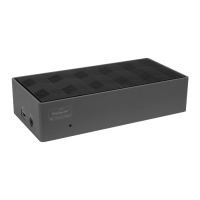
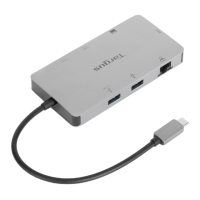
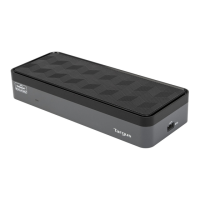
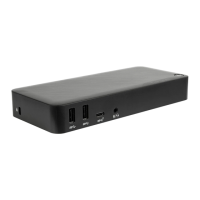
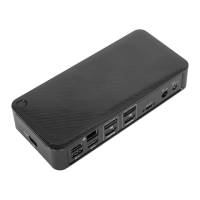
Visual representation of the docking station ports and features.
Details the FCC compliance and testing for the device.
States compliance with essential EU requirements and directives.
Provides guidance on proper disposal of the product at its end of life.
 General
| Type | Docking Station |
|---|---|
| Product Type | Universal Docking Station |
| Connectivity Technology | Wired |
| Docking Interface | USB-C |
| Video Interfaces | HDMI, DisplayPort |
| Networking | Gigabit Ethernet |
| Power Delivery | 85 W |
| Compatibility | Windows, macOS, Chrome OS |
| Ports | USB-C |
| Audio | 3.5mm Headphone/Microphone Combo Jack |
| Video Output | Dual 4K @ 60Hz |


 To Next Page