
 Need help?
Do you have a question about the Targus DOCK190 and is the answer not in the manual?
Connect peripheral devices to the docking station and the station to your host device.
Instructions for using the included USB-C to USB-A adapter for host device connection.
Select the correct power tip for your laptop and connect the power cord and laptop.
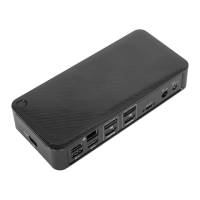
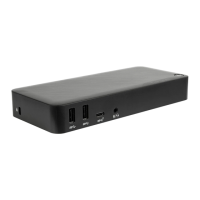
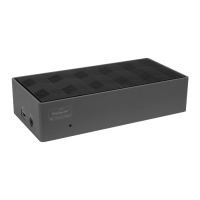
Details of the docking station's connectivity options, ports, and integrated features.
Visual guide to the docking station's various ports and their functions.
Lists the necessary hardware and supported operating systems for the docking station.
Instructions for setting up the docking station on Windows, including driver updates.
Details on configuring external monitors using DisplayLink software on macOS.
Steps to install and use the DisplayLink Desktop application for Android devices.
Provides internet and telephone contact details for technical support.
Information regarding the 3-year limited warranty for the product.
Information regarding the product's adherence to regulatory standards.
Explains FCC compliance testing and user guidance for interference.
Targus's official statement confirming compliance with EU directives.
Guidance on proper disposal of the product at its end of life.
 General
| Model Name | DOCK190 |
|---|---|
| Connectivity Technology | Wired |
| Host Interface | USB-C |
| Ethernet | Gigabit Ethernet |
| Compatibility | Windows, macOS, Chrome OS |
| Video Output | HDMI, DisplayPort |
| Maximum Resolution | 4K @ 60Hz |
| USB Ports | 1 x USB-C |
| Audio | 3.5mm audio in/out |
| Weight | 0.28 kg |



 To Next Page