12
Modem Connection
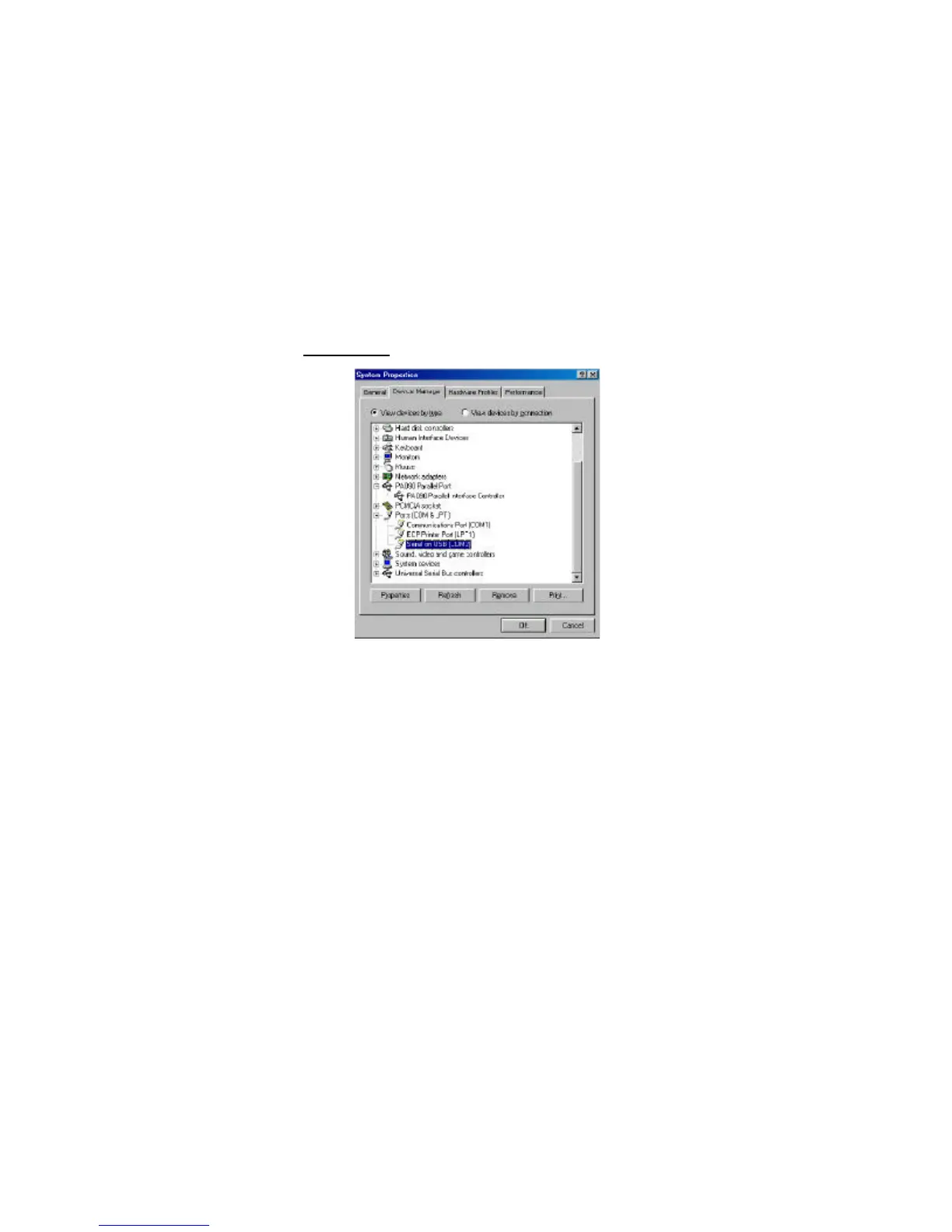
Figure 6. Serial Interface Controller
1 When attaching a modem to the serial (RS232) port, verify that
the port assigned to your modem is Serial USB (COMx), where x
is the number of the COM port.
2 If Windows does not autodetect your modem on Serial USB
(COMx), rerun the Hardware Wizard.
3 Choose Select from a list instead of autodetect, then select Serial
USB (COMx) as the COM port.


 To Next Page