EasyManua.ls Logo

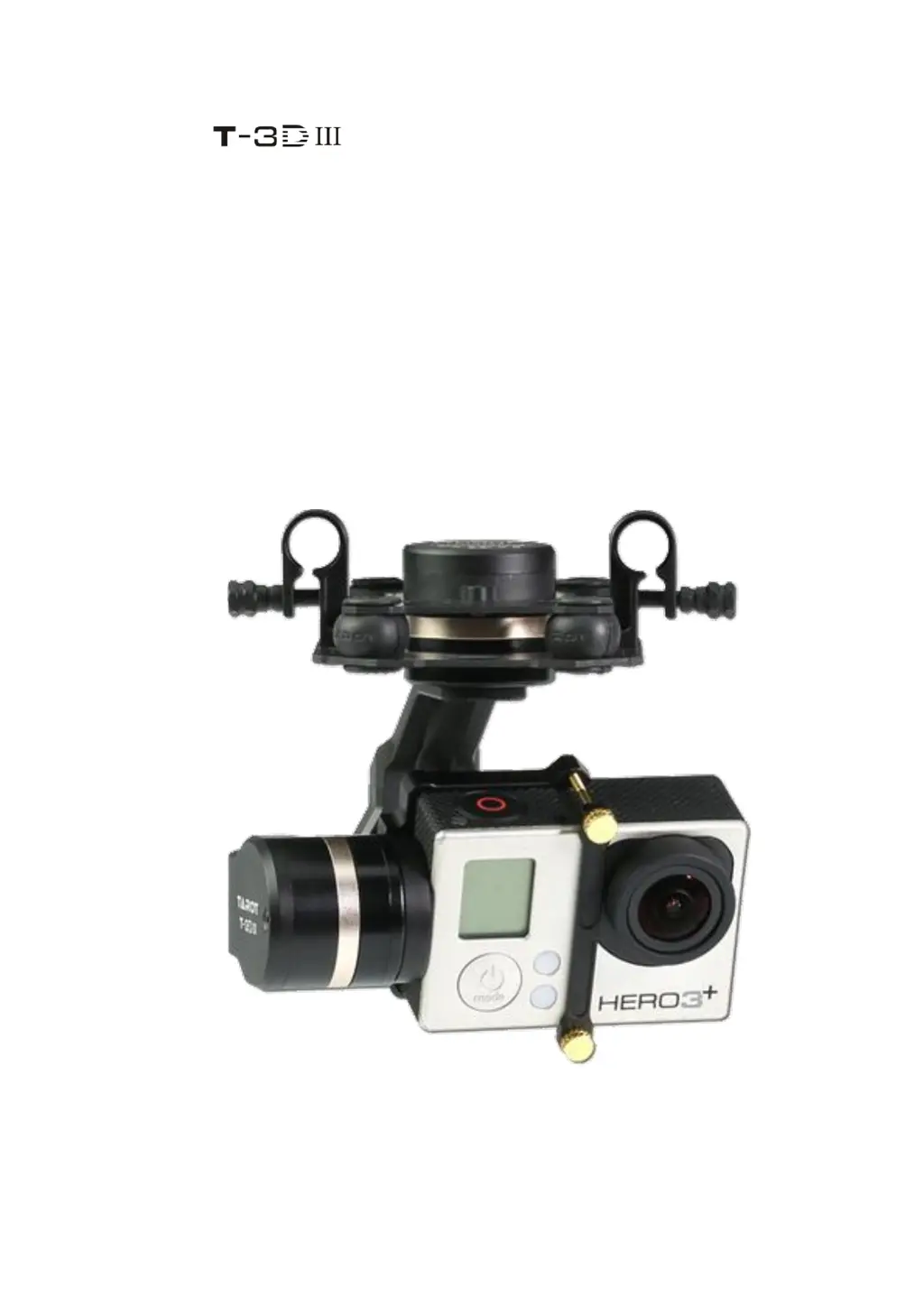
Tarot ZYX T-3DIII - User Manual

Default Icon
18 pages
Print Icon
To Next Page IconTo Next Page
Loading...
@2016 TAROT All Rights Reserved.
ZYX
User Manual
V1.00
2016.01.18 Revision

Questions and Answers

Summary

Warning and Disclaimer

Product Introduction

Product List

Package Contents

Lists all components included in the gimbal package, with item counts.

Mounting & Configuration

Gimbal Controller Wiring Diagram & Descriptions

Details wiring connections for the gimbal controller, power, receiver, and video output.

Gimbal Working Modes

Explains the different operational modes of the gimbal, such as Pan Follow (PF) and FPV.

Working Mode Setup

Guides on how to configure the gimbal's working modes using RC switches and software.

Flight Test

Flight Test Steps

Outlines the procedure for conducting a flight test of the gimbal, including transmitter and power checks.

Flight Test Tips

Provides essential tips before flight, ensuring correct camera mounting and wiring setup.

Gimbal Self-check and Initialization

Describes the gimbal's self-check and sensor initialization process upon powering up.

ZYX T-3 D III Assistant Software

Software Installation and Setup

Instructions for downloading, installing the assistant software, and connecting the gimbal via USB.

Software Introduction

An overview of the assistant software's interface and its role in gimbal configuration.

Basic Setup Configuration

Guides on setting up basic gimbal parameters like receiver connection, initial angles, and rotation speeds.

RC Channel Mapping

Details how to map RC transmitter channels to control gimbal functions like tilt and mode selection.

Control Mode Settings

Explains how to configure gimbal control modes (Rate/Angle) using RC sticks and stick mapping.

Software Tools and Calibration

Describes utility tools within the software, including parameter management and sensor calibration.

Firmware Update Process

Step-by-step instructions for updating the gimbal's firmware to the latest version.

Troubleshooting

Angle Not Level Issues

Solutions for when the gimbal's angle is not level, including sensor calibration and centering Tx.

Gimbal Vibration Solutions

Addresses causes of gimbal vibration and provides steps to resolve them, like adjusting motor torque.

Unstable Video Feed

Troubleshooting steps for unstable video, covering vibration, damping balls, and motor torque.

Red LED Blinking Errors

Solutions for rapid red LED blinking, indicating connection issues or stall protection activation.

Technical Specifications

Power, Current, and Environment

Details input power, working/stall currents, and operating environment specifications.

Physical Dimensions and Weight

Lists the physical dimensions and weight of the gimbal unit.

Performance Ranges

Specifies maximum controllable rotation speeds and controllable rotation ranges for each axis.

Compatibility and Platform

Lists supported cameras and the operating systems for the assistant software.

Port Descriptions

Gimbal Main Controller Ports

Describes the function of each port on the gimbal main controller board.

Motor Drive & Sensor Module Ports

Explains the function of the DEBUG port on the motor drive and sensor module.

LED Indicators

Main Controller LED Status

Explains the meaning of different LED light patterns on the gimbal main controller board.

Motor Module LED Status

Describes the LED indicator status for the motor drive and sensor module.

Tarot ZYX T-3DIII Specifications

General IconGeneral
Control Accuracy±0.02°
Type3-Axis Gimbal
ControlPWM/SBUS
Communication InterfacePWM/SBUS
Input Power12V-24V
Battery LifeApproximately 6-8 hours
Operating TimeApproximately 6-8 hours
Charging TimeApproximately 2-3 hours

Related product manuals