IMPORTANT SAFETY PRECAUTIONS
2 TASCAM CD-DJ1
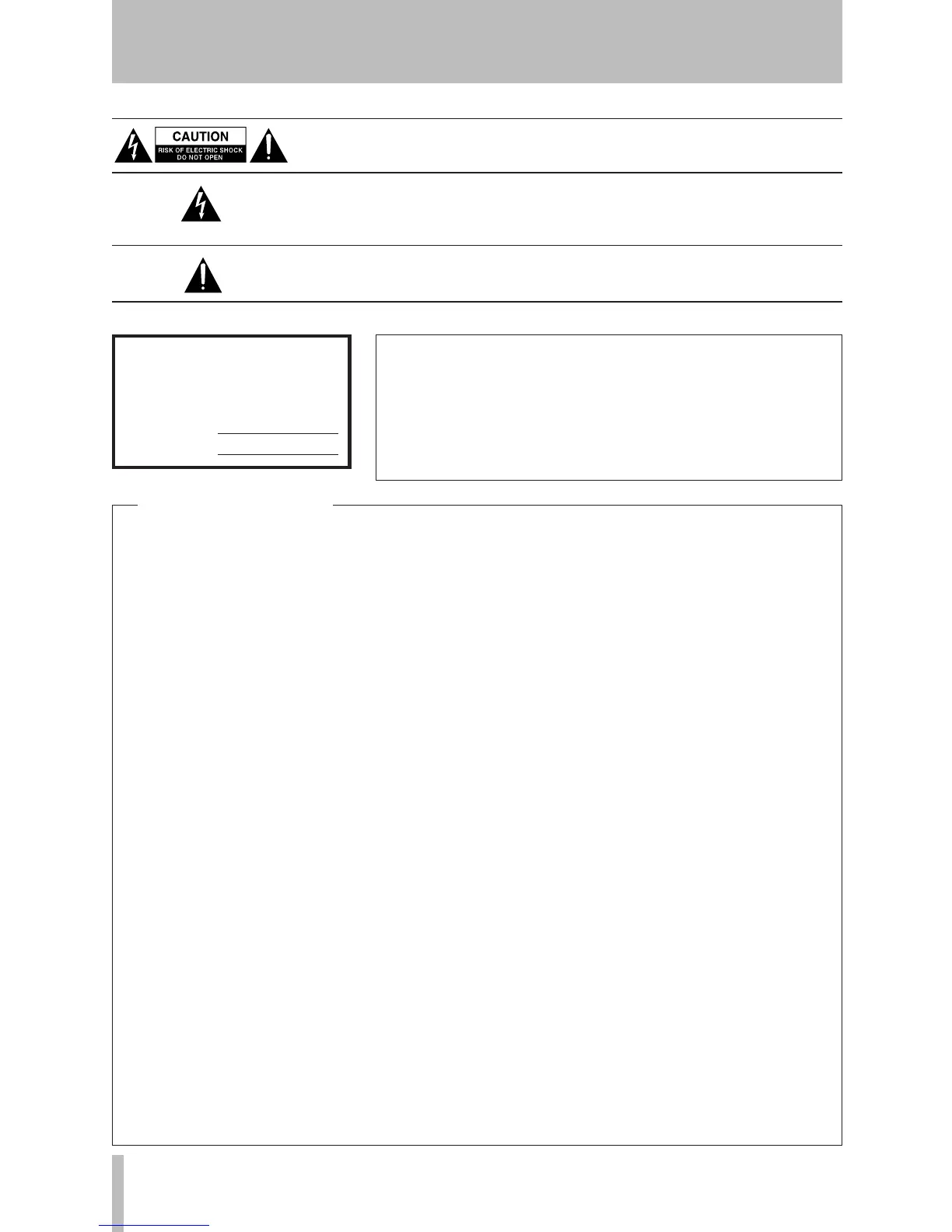
The exclamation point within an equilateral triangle is intended to alert the
user to the presence of important operating and maintenance (servicing)
instructions in the literature accompanying the appliance.
The lightning flash with arrowhead symbol, within equilateral triangle, is
intended to alert the user to the presence of uninsulated “dangerous volt-
age” within the product’s enclosure that may be of sufficient magnitude to
constitute a risk of electric shock to persons.
CAUTION: TO REDUCE THE RISK OF ELECTRIC SHOCK, DO NOT
REMOVE COVER (OR BACK). NO USER-SERVICEABLE PARTS INSIDE.
REFER SERVICING TO QUALIFIED SERVICE PERSONNEL.
WARNING: TO PREVENT FIRE OR
SHOCK HAZARD, DO NOT EXPOSE
THIS APPLIANCE TO RAIN OR
MOISTURE.
This appliance has a serial num-
ber located on the rear panel.
Please record the model number
and ser ial numbe r and ret ain
them for your records.
Model number
Serial number
TO THE USER
This equipment has been tested and found
to comply with the limits for a Class B
digital device, pursuant to Part 15 of the
FCC Rules. These limits are designed to
provide reasonable protection against
ha r m fu l int e rfe re n ce in a re s id e n ti a l
installation. This equipment generates,
uses, and can radiate radio frequency
energy and, if not installed and used in
accordance with the instruction manual,
may cause harmful interference to radio
communications.
Howe v e r, there is n o guara n t ee th a t
interference will not occur in a particular
installation. If this equipment does cause
harmful interference to radio or television
reception, which can be determined by
turning the equipment off and on, the
user is encouraged to try to correct the
interference by one or more of the following
measures.
a) Reori ent or re l ocate the rec eiving
antenna.
b) Increase the separation between the
equipment and receiver.
c) Connect the equipment into an outlet on
a circuit different from that to which the
receiver is connected.
d) Consult the dealer or an experienced
radio/TV technician for help.
CAUTION
Changes or modifications to this equipment
n o t e x p r e s s l y a p p r o v e d b y T E A C
CORPORATION for compliance could
void the user's authority to operate this
equipment.
For U.S.A.


 To Next Page