TASCAM CD-DJ1 23
Setting output volume
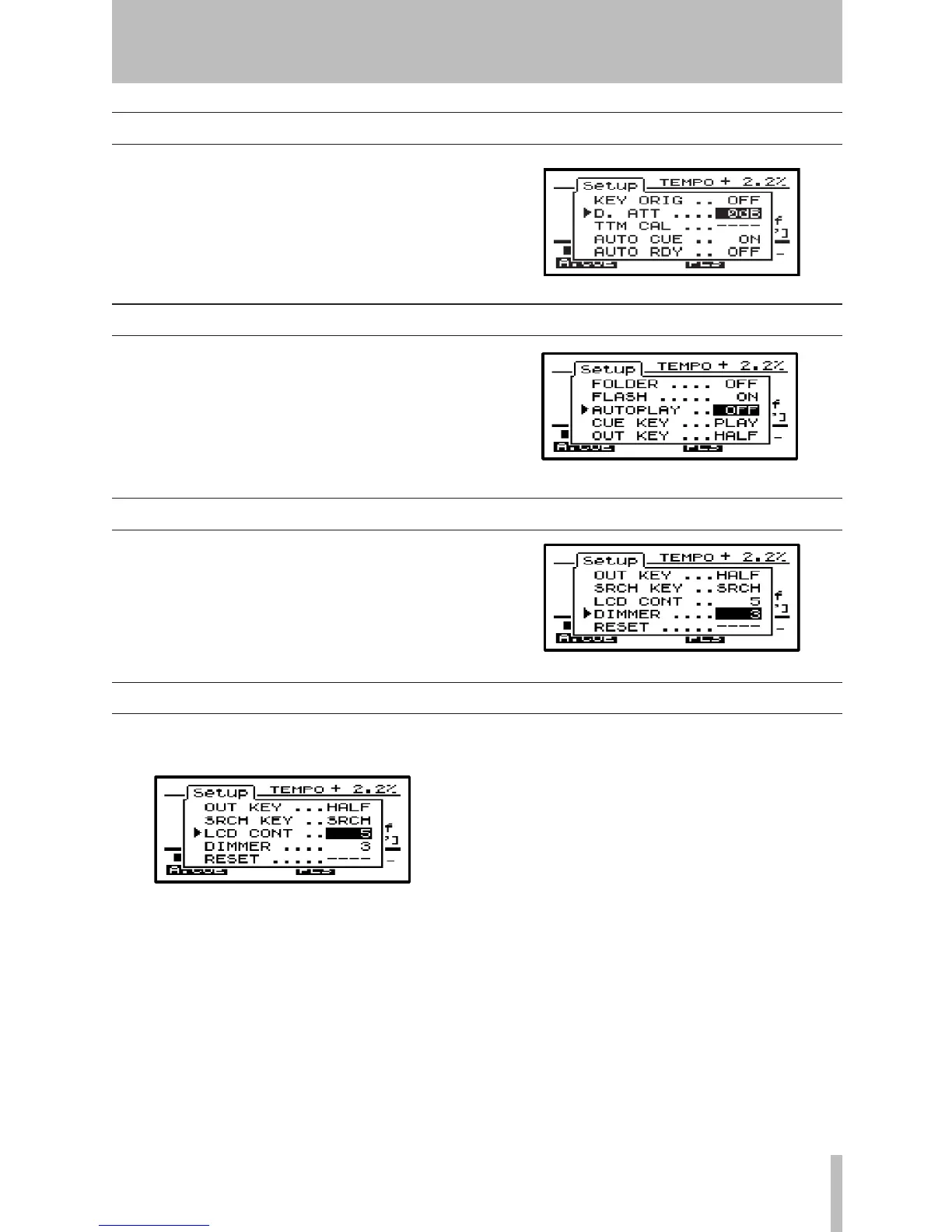
Use the Setup menu D.ATT item to adjust the output
volume from the CD-DJ1 LINE OUT and PHONES
OUT jacks.
Adjustment can be made between 0 dB and –20 dB
in 1 dB steps. The default value is 0 dB.
Auto Play
Use the Setup menu AUTOPLAY item to turn Auto
Play on and off. With this function on, playback will
begin as soon as the CD-DJ1 power is turned on. The
default setting is off.
Adjusting the backlight
Set display backlight brightness in the Setup menu.
Use the DIMMER item to adjust the brightness
between levels 1 and 5.
When the unit enters sleep mode, the backlight turns
off.
Use the Setup menu LCD CONT item to adjust the
display contrast value between 1 and 10.
Adjusting the contrast
7- Other features


 To Next Page