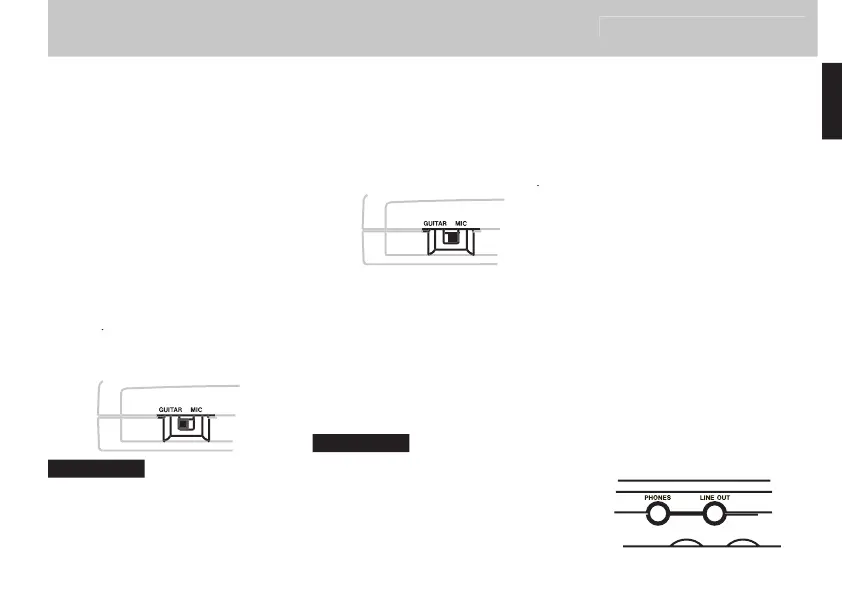
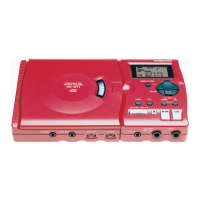
o connect a guitar or bass guitar to
the unit simply connect one end of the
guitar cord to the guitar and connect
f you use e ects pedals or stomp
boxes you can connect the output of
these to the remember that
the has its own e ects
NEVER connect a guitar ampli er to the
damage your equipment if you do this.
onnect a suitable microphone ask
your dealer if you are not
Connecting a stereo line source
ou can also connect a stereo line
source such as the outputs from a syn
thesizer a guitar preampli er or rack
mount e ects unit or a cassette deck
etc to the se the
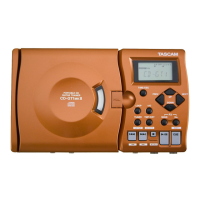
You should NEVER connect the speaker out-
puts of a guitar ampli er to anything except
speakers. If you are in any doubt at all about
what you can connect to your CD-GT1, ask
ou can connect a footswitch to the
ou can connect a footswitch to the
to step through the e ect
to step through the e ect
slot settings or to cue the player
slot settings or to cue the player
handso see later in this manual
o avoid problems with your
use only a
footswitch or similar nonlatching
pushtomake footswitch connected
onnect the unit to a stereo systems
input or mixer input etc using
a suitable stereo cable not supplied
connected to the s
onnect a pair of headphones not
jack for private listening


 To Next Page