Need help?
Do you have a question about the Tasco 46-060675 and is the answer not in the manual?
Adjust tripod legs to level the mount for stable observation.
Set polar axis to match observing latitude for proper tracking.
Align declination scale to 90° using the clamp screw and pointer.
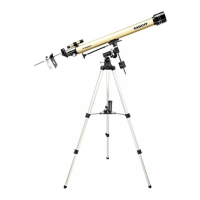
Loosen hour axis clamp and position counterweight rod horizontally.
Adjust counterweight position to balance the telescope on its axis.
Install low power eyepiece and select a distant, stationary target for alignment.
Loosen adjustment screws to align finderscope with the main telescope view.
Center the object using cross hairs and verify telescope alignment.
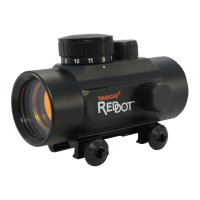
Turn on StarPointer by rotating brightness control; adjust red dot visibility.
Center a star in the main telescope and align the StarPointer's red dot.
Use StarPointer to find objects and pan telescope until object is in view.
Use fine adjustment ring to center the object with the StarPointer's red dot.
Turn the focus knob until the observed image appears sharp.
Adjust focus knob towards or away from eyepiece for nearer or distant objects.
Diagonal provides upright image, but with left-right reversal (mirror-like).
Observing straight through inverts the image and finderscope image.
Slide projection screen rod through finderscope bracket, with washer end towards objective.
Remove the diagonal if it is in place; it is not used for solar observation.
Insert the lowest power eyepiece into the focus tube without the diagonal.
Position black plate on rod, centered with eyepiece lens, and lock it.
Point telescope towards the sun without looking directly; use shadow for aiming.
Project the sun onto a white plate held behind the finderscope eyepiece.
Place white plate on assembly rod, aligning it with the telescope's eyepiece.
Use flexible control cables for fine adjustments to center the sun's image.
Use the focus knob to achieve a sharp focus of the sun's image on the screen.

 To Next Page
 General