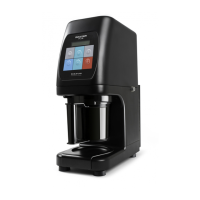
DESCRIPTION OF THE CONTROL PANEL
SYMBOL FUNCTION
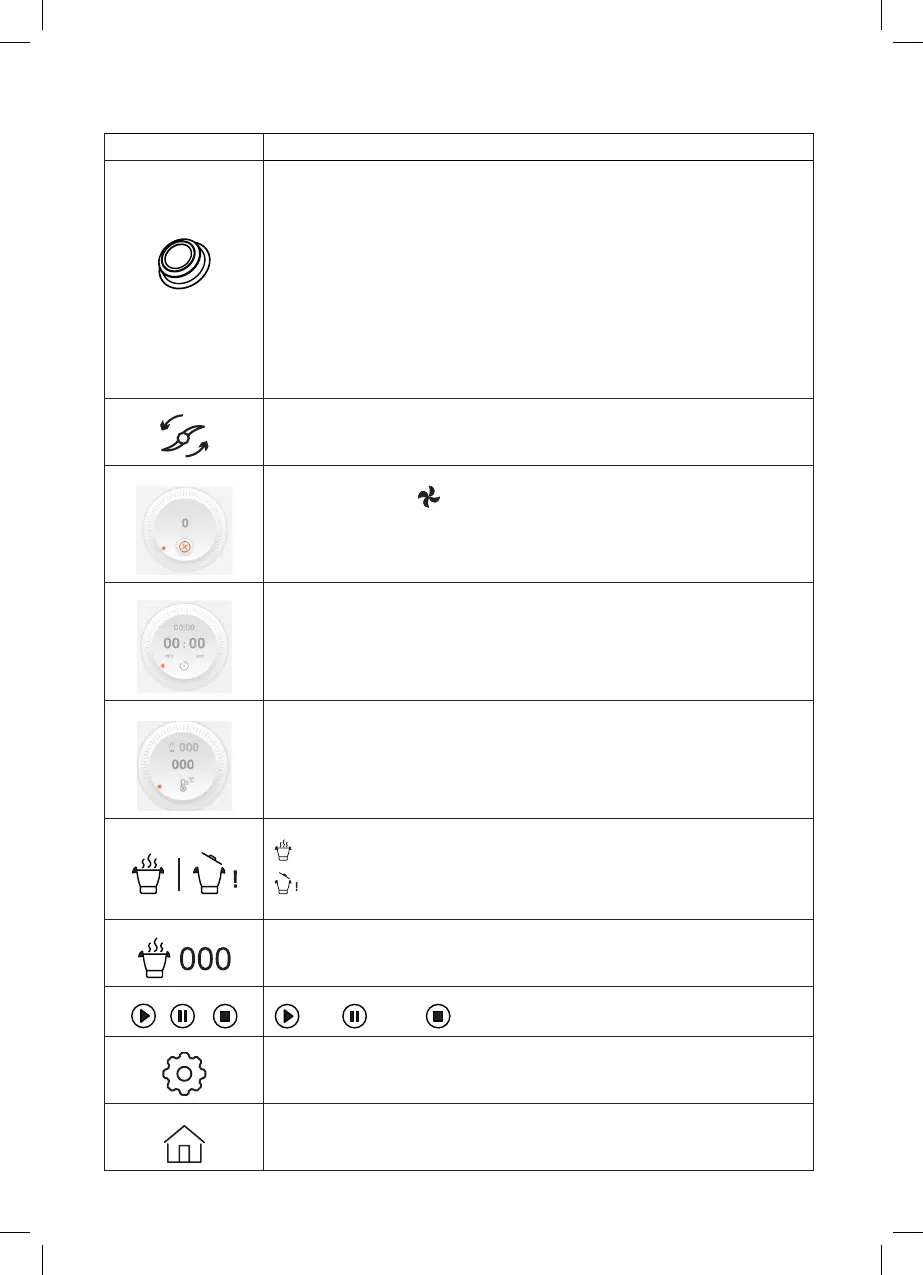
Control knob
1. To adjust the temperature, time and speed by turning the knob.
2. Give the knob a short press to pause the appliance while it is cooking.
Press the knob again to continue cooking.
3. Press and hold the knob for a few seconds to end the cooking process.
4. Press the knob after setting all the parameters.
5. Press and hold the knob for a few seconds to cancel the parameters.
6. Once the cooking process has nished, the display will inform you that it
has nished. Press the knob and the unit will go into standby mode.
Reverse mode: the accessories will rotate anticlockwise.
Speed range: 1-3
Speed: Click on the icon to change the direction of rotation.
Speed range: 0-12
Display of the specied time setting (0-90 minutes)
Display of the time function (0-90 minutes)
Display of the specied temperature setting
Temperature range : 37-120 ºC
It starts at 37 ºC, then 40 ºC , after which in steps of 5ºC.
When the lid is closed and the jug is in place.
When the lid is open or the jug has not been positioned correctly. The
appliance cannot be activated.
Actual jug temperature.
Water reaches a maximum temperature of 100ºC.
Start Pause Stop
Set-up: to check or change appliance settings: language, WiFi, system
version, registration, etc..
Main screen: start menu


 To Next Page