5
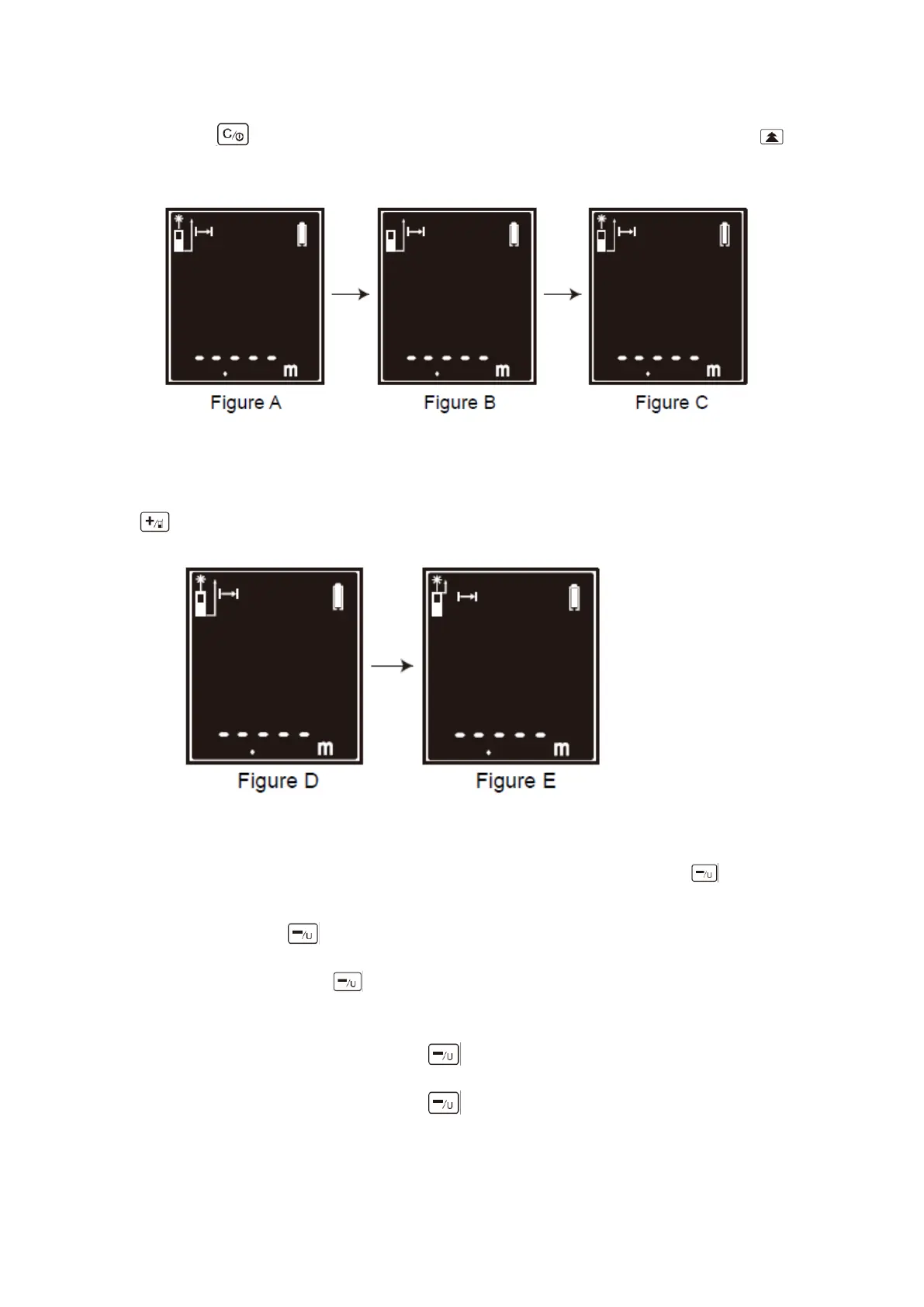
time press to close the laser point, indication as shown as figure B. Short-time press
again to open laser point, indication as shown as figure C.
3.Change Reference Edge
Default reference edge is the bottom of meter, indication is shown as figure D. Long-time press
to change the measuring reference to the top of meter, indication as shown as figure E.
4.Unit Conversion
⚫ Factory default that unit is m, indication is shown as figure F. Long-time press to
switch unit m to Ft, indication as shown as figure G.
⚫ Long-time press again to switch the unit Ft to In, indication is shown as figure H.
(Note: Long-time press to switch the unit of measurement, the value will switch
correspondent at the same time if there is value of measurement.)
⚫ When the unit is m2, Long-time press , the unit will switch unit m2 to Ft2.
⚫ When the unit is m3, Long-time press , the unit will switch unit m3 to Ft3.
⚫ When you switch on meter later, the meter will remember the last measuring unit you used.


 To Next Page