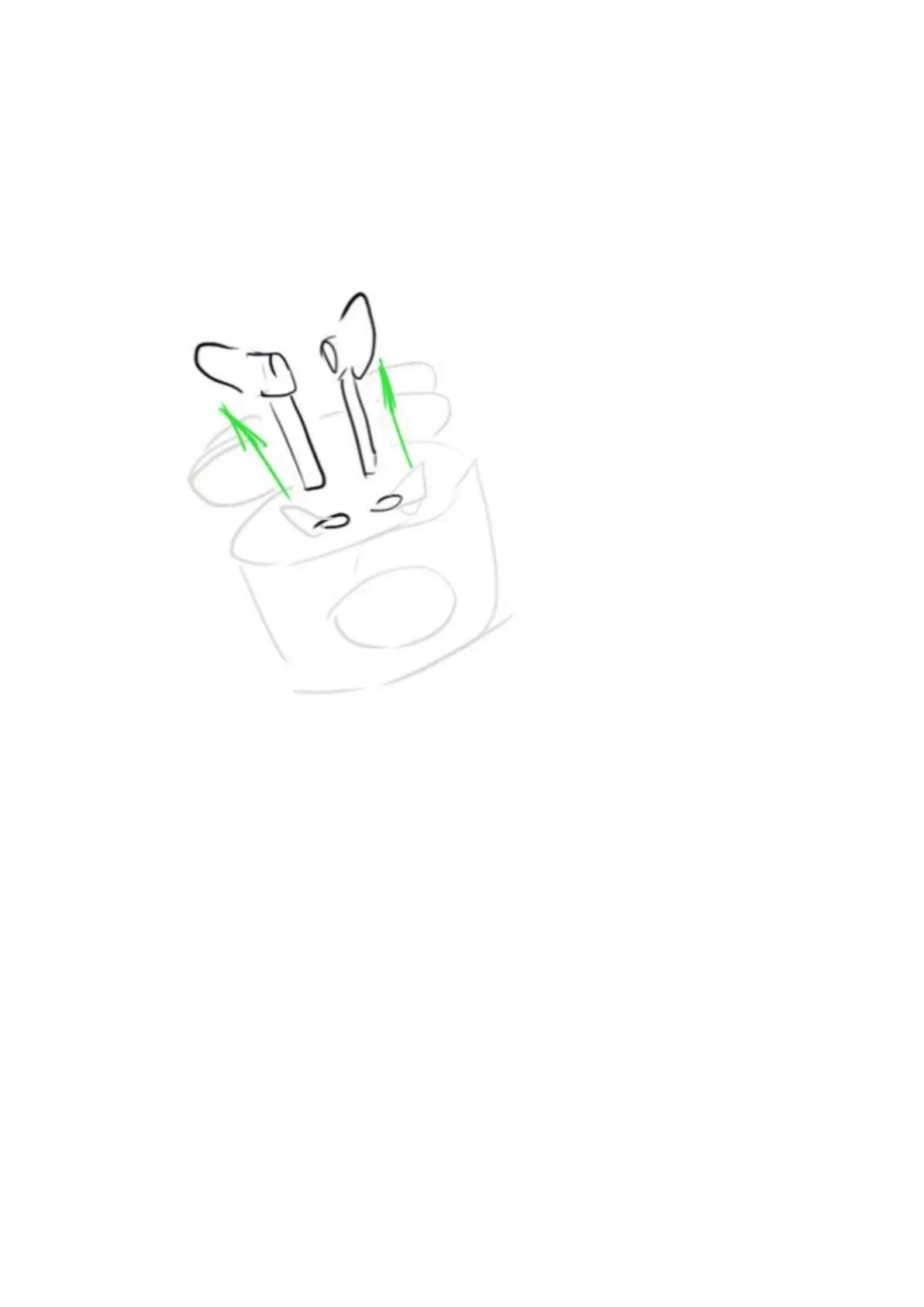
4. Power On, Pairing, Power Off
Power On
Method 1: Open the charging case, the earbuds will power on automatically, left
and right earbuds will be connected to each other. Take out both earbuds, the
LED light of master earbuds will start to flicker white alternately. (According to
the factory default, the left earbuds is master earbuds)
Method 2: Earbuds are taken out from the charging case or battery of the
charging case ran out. Long press multifunction button of both earbuds for 2
seconds to power on. After powering on, the left and right earbuds will be
connected to each other automatically. LED light of master earbuds will start to
flicker white alternately. (According to the factory default, the left earbuds is
master earbuds)
Pairing


 To Next Page