Shenzhen Turbosight Technology Ltd.
www.tbsiptv.com
DIGIAL TV TUNER FOR PC & BEST IPTV SOLUTION
info@tbsiptv.com
5)
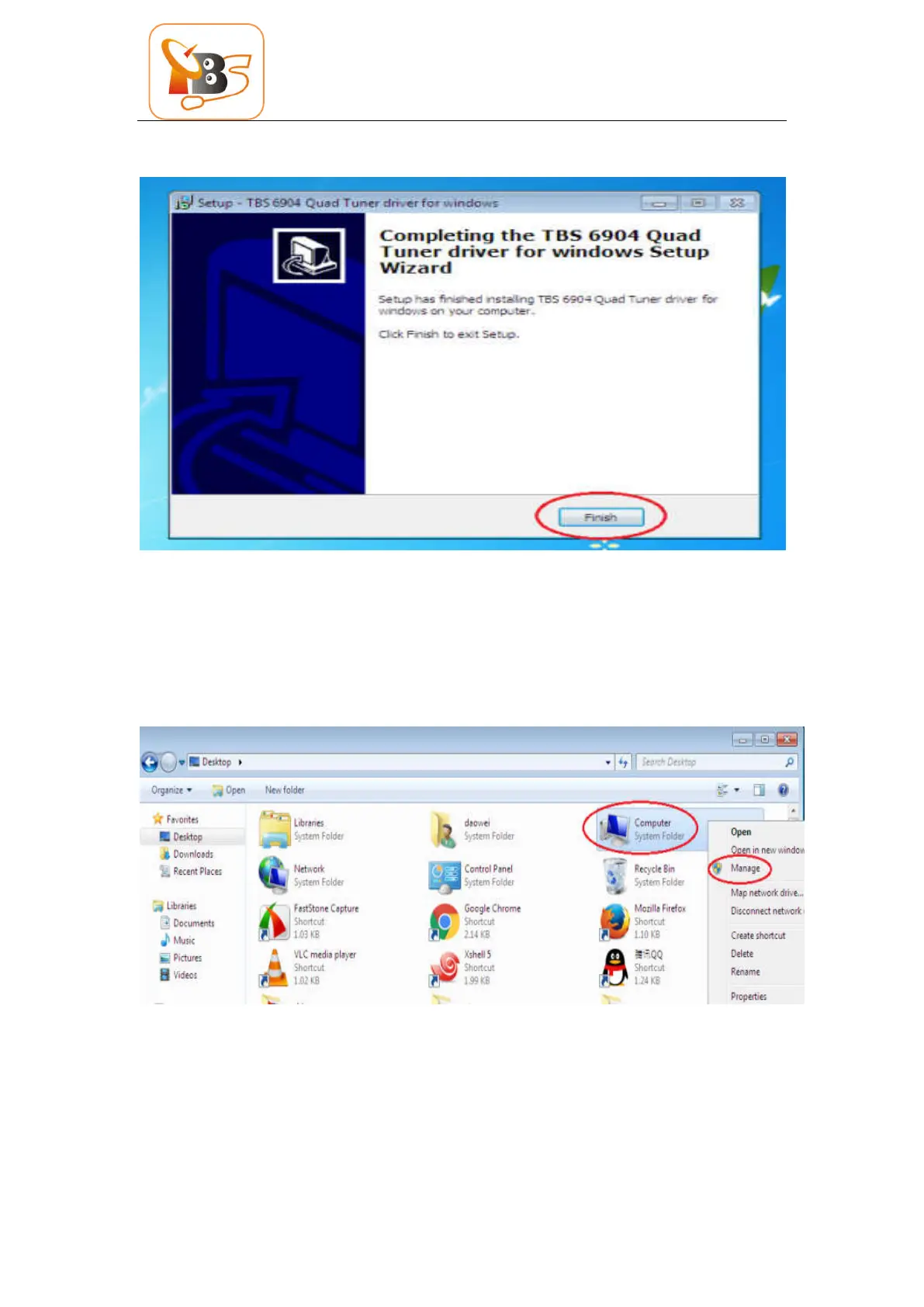
To verify if driver was correctly installed: Choose “My Computer”, right click and choose
“System Properties” to pop up “System Properties” windows, click “Hardware” → “Device
Manager”. Then click “+”in front of “Sound, video and game controllers”. If you can see
“TBS6904 Quad DVB S/S2 BDA Tuners” that means you do have installed driver correctly. Just
display as below:



 To Next Page