3.3.4. Setting for DVB-C2/C mode.
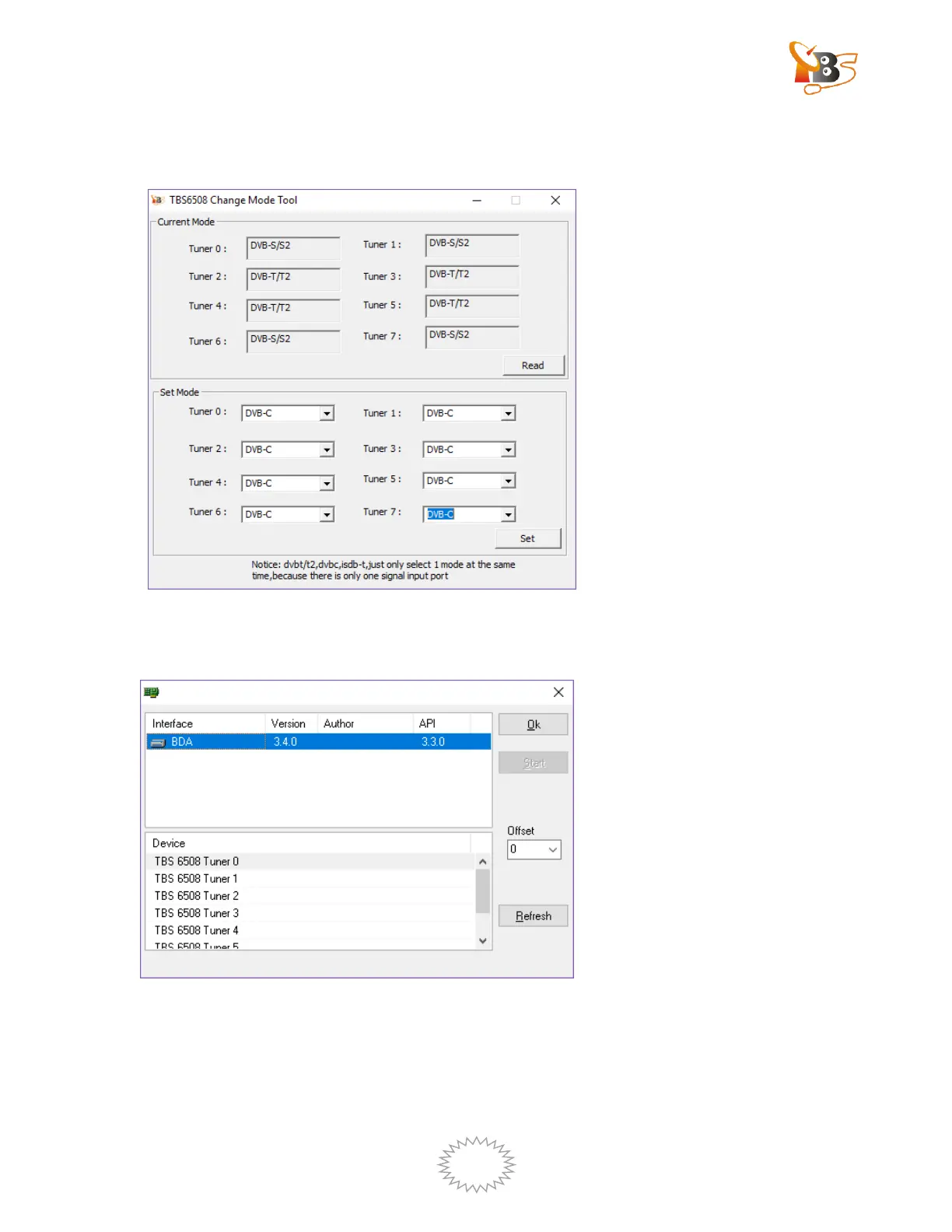
Please open Change mode tool and make the tuner mode as “DVB-C2/C”.
Wait for device initialization to complete, about 1.5 minutes
Open DVBDream , choose “Tuners”the windows below will pop up:
Click “OK”to enter DVBDream
There are two methods for scan channels: auto scan and Manual scan.


 To Next Page