# cd media_build
# make dir DIR=../media
# make allyesconfig
# make -j4
# sudo make install
Install firmware for TBS6508:
# wget http://www.tbsdtv.com/download/document/linux/tbs-tuner-
firmwares_v1.0.tar.bz2
# sudo tar jxvf tbs-tuner-firmwares_v1.0.tar.bz2 -C /lib/firmware/
Once the installation finished, you need to restart PC, run command: # reboot
In the process of installation (compilation), if you encounter errors, you should first fix
the error first, and then continue to install (compilation) until completion. We have
listed common mistakes and their solutions for your reference:
https://github.com/tbsdtv/linux_media/wiki/Prerequisites,-Build-errors-and-
Rebuilding
4.3. Check whether TBS6508 is well loaded
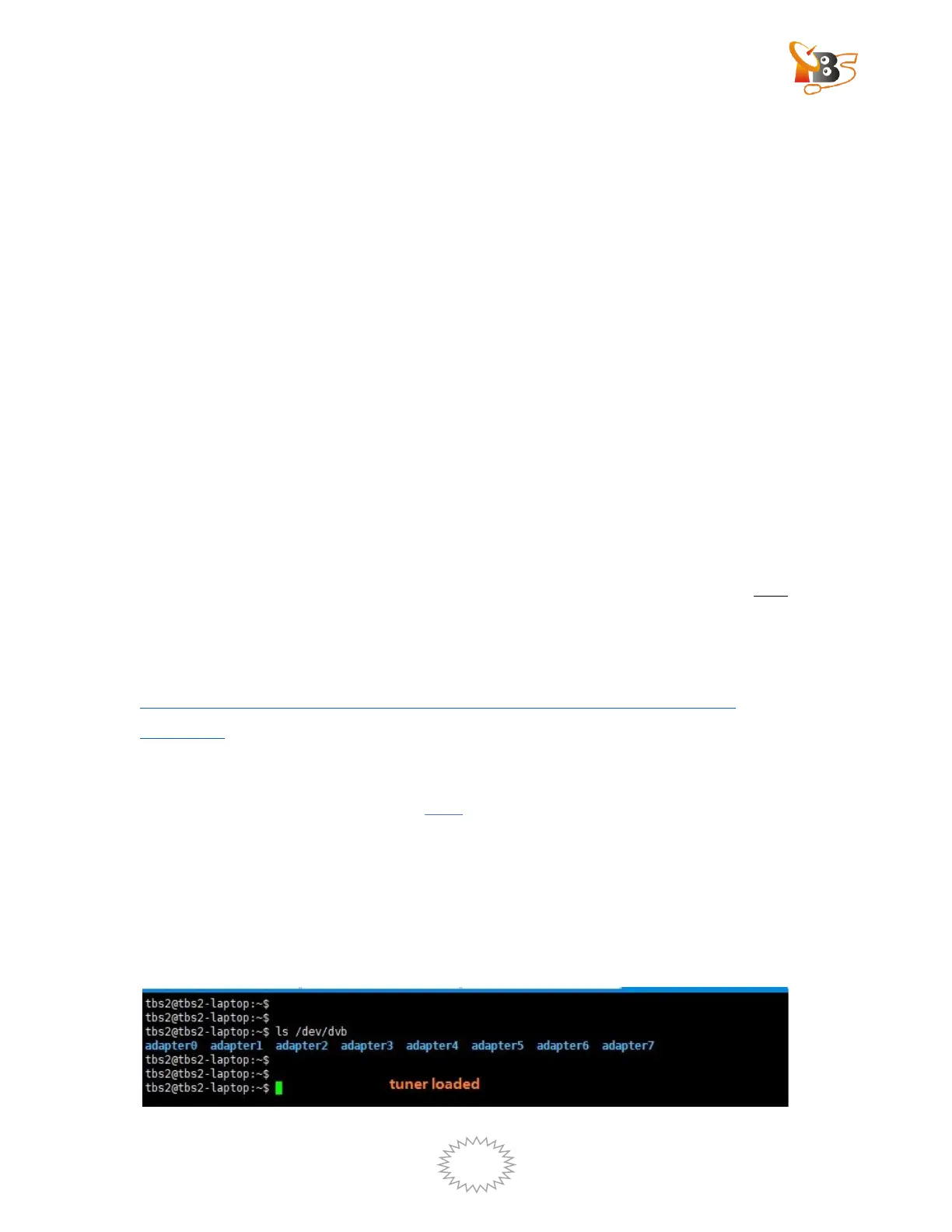
Run command: # ls /dev/dvb
If you can see adapter (adapter0-adpater 7. If there are multiple tuner cards are
installed in one device, there will be more adapters), it indicates that the driver has
been successfully installed.


 To Next Page
 Loading...