TBS6902 Multi Standard Tuner Card User Guide
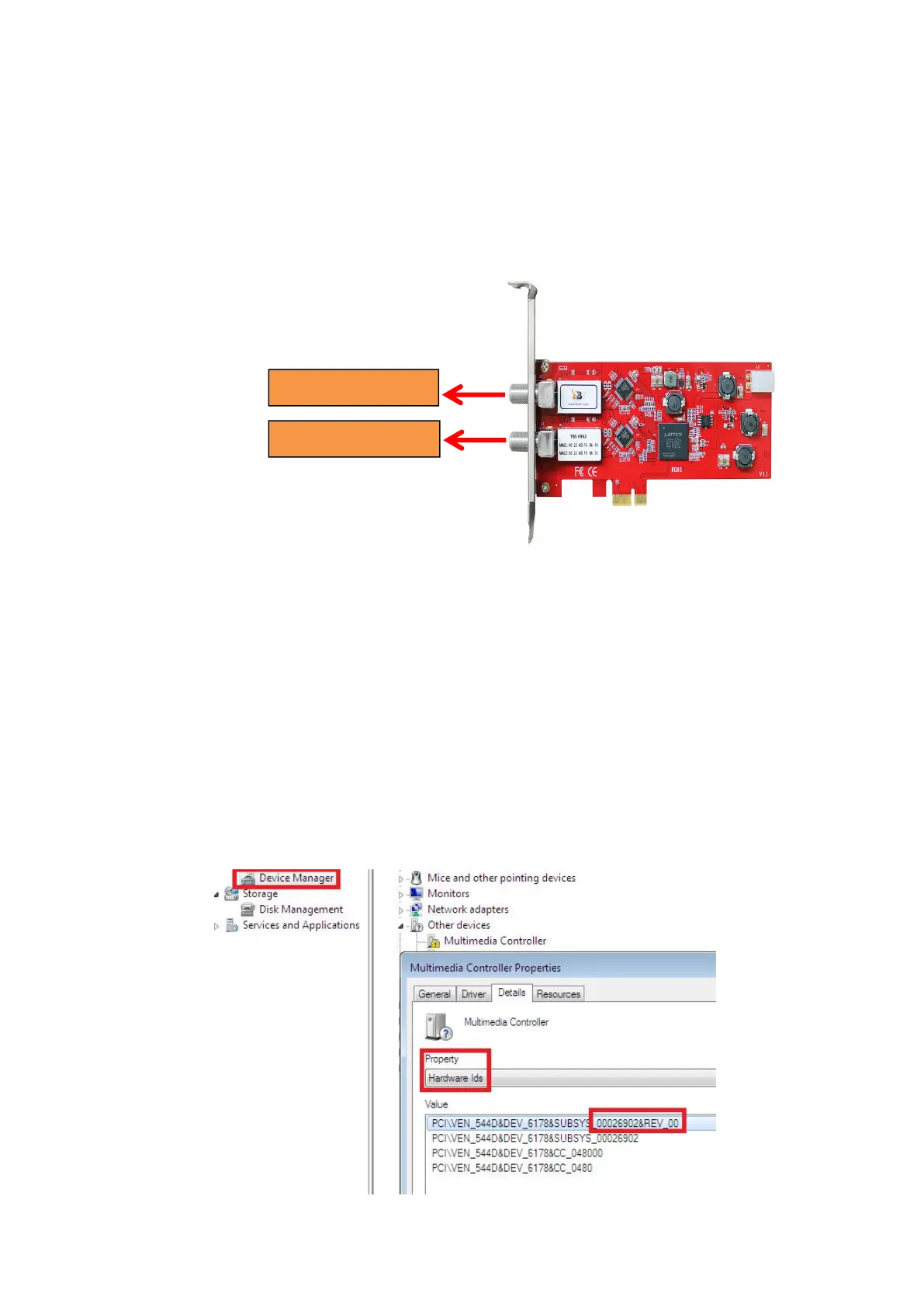
1.2 Connect TV Signal Cable to the TV Tuner Card on Your PC
Please make sure you properly connect the TV signal to the TV tuner on computer in
case of the damage to antenna device. The following TBS6902 TV Signal Table is for
your reference.
2. windows driver installation
2.1 Start your PC and jump to “Computer Management”. There will pop up a
notice “Failed to install the device driver” if you use Windows 7 operating system.
In order to install the driver successfully, you have to do as the prompts step by
step.Then you can check the TBS TV tuner hardware device ID as follows:Open
“Computer Management”, click “Other devices”, finally choose and double click the
right hardware device for more details.
Please kindly see the following screenshot for your reference.



 To Next Page