TBS6909 Multi Standard Tuner Card User Guide
4. Linux open source drive installation
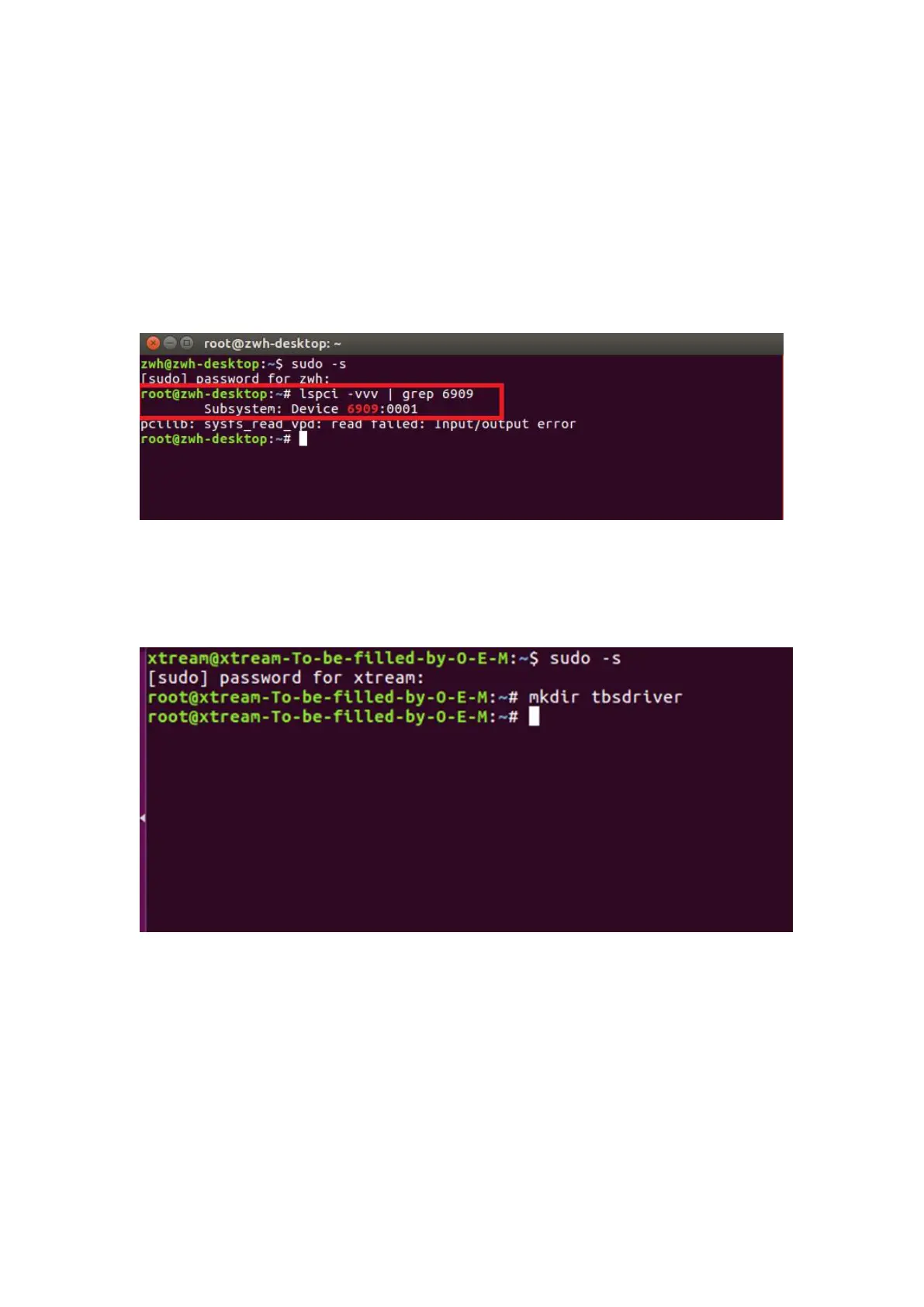
4.1 Reboot your computer and then enter the operating system webui, right click
to open “Terminal”, input the command “sudo-s” and Ubuntu default password;
finally you will get access to the operating system.
4.2 # lspci -vvv | grep 6909 (This command detects whether there is “Device 6909”,
displaying as the following webui.
)
4.3 Set up a directory named “tbsdriver”. Here takes saving the directory on the
desktop as an example.
# mkdir tbsdriver (See screenshot below.)



 To Next Page