6
5
LED indicators
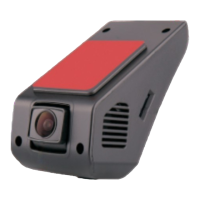
Recorder status is indicated by red or blue LED light.
Red light ON : Power is ON
Red Light OFF: No power
Red light Flashing : SD card not inserted or damaged.
Blue light flashing : Video is recording
Button Operation Instructions
LED Indicate Light
Reset
Power
snap the picture
Audio/Video playback
Power Button
Short press to turn on/off recording function, press more than 2s to turn on/off the
unit.
Up button
Short press to take HD pictures,
Reset Button
Press the power button & the reset button at same time to restart the unit.
Down button
Short press to power on/off the MIC when recording
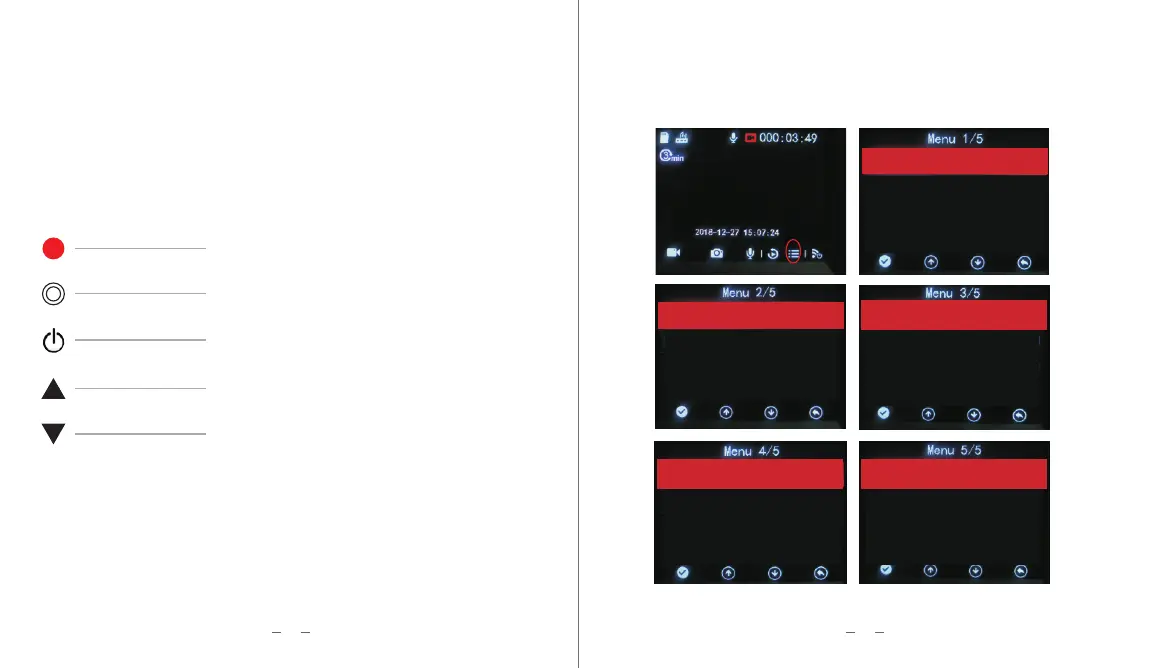
Driving Recorder Settings
When the recording is stopped, press the menu button to enter the local setting menu; press
again to exit the menu and it will automatically start recording.
Video Quality High
LCD Auto-off 3min
Shutdown Delay 10 sec
Button Tone On
LoudspeaKer On
ParKing Mode On
G-Sensor Sensitivity M
Headlight reminder N
Sleep warning N
Audio When Recording On
Date/Time Set
Video Clip 3min
Dashcam lnformation
Restore Defaults
Parking Sensitivity 200
Language English
Format Memory Card
Memory Card lnformation


 To Next Page