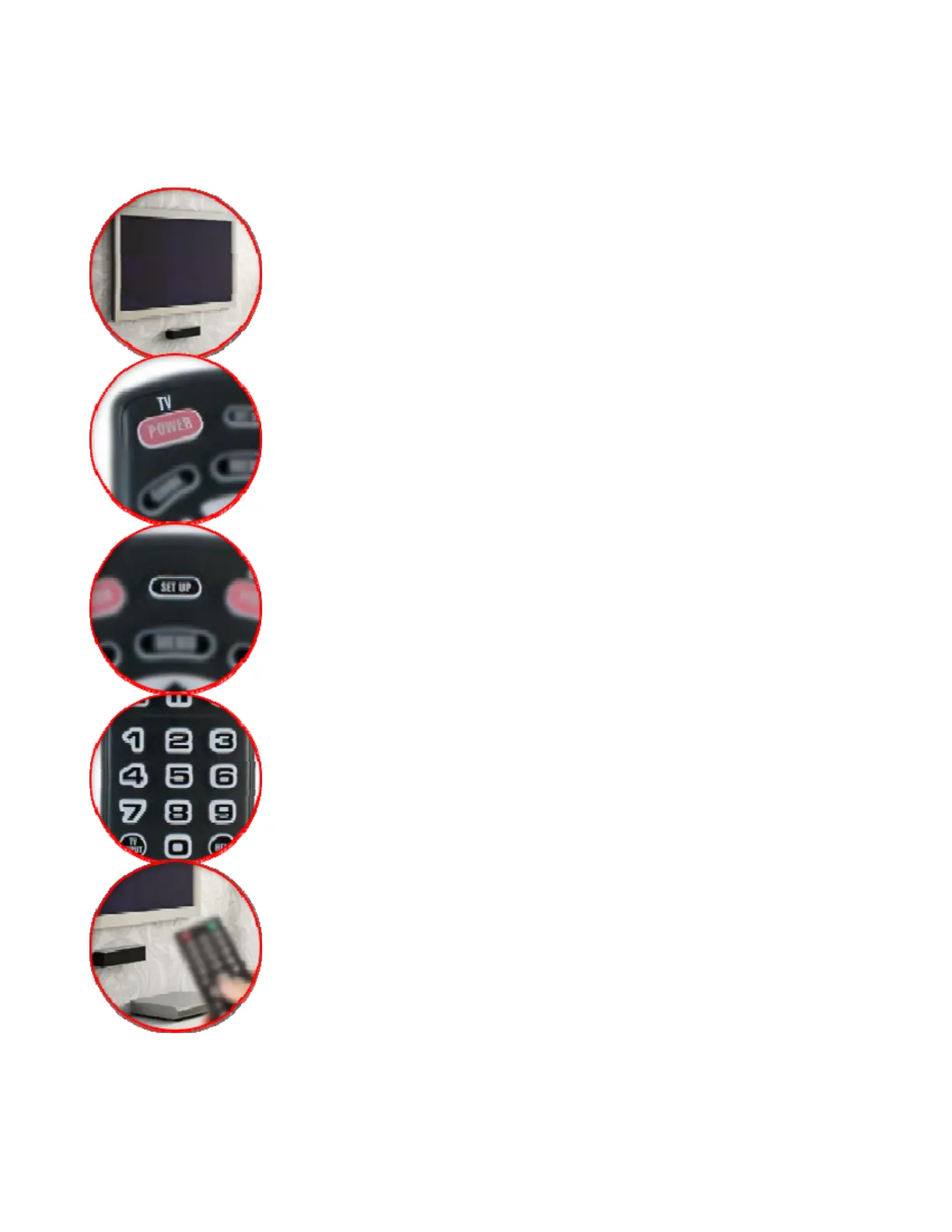
Programming Instructions Using All Codes For Your TV:
Turn on your TV and follow the steps below to set up your
remote.
Be sure to point the remote at your TV during setup
1. Press the TV POWER key.
2. Press and hold SETUP until the LED blinks twice
3. Using the digit keys on the remote, enter the first code
shown in the code list at the end of this guide.
4. Test the remote to confirm that it controls your TV as
expected. If it does not, try again using the next code
listed.


 To Next Page