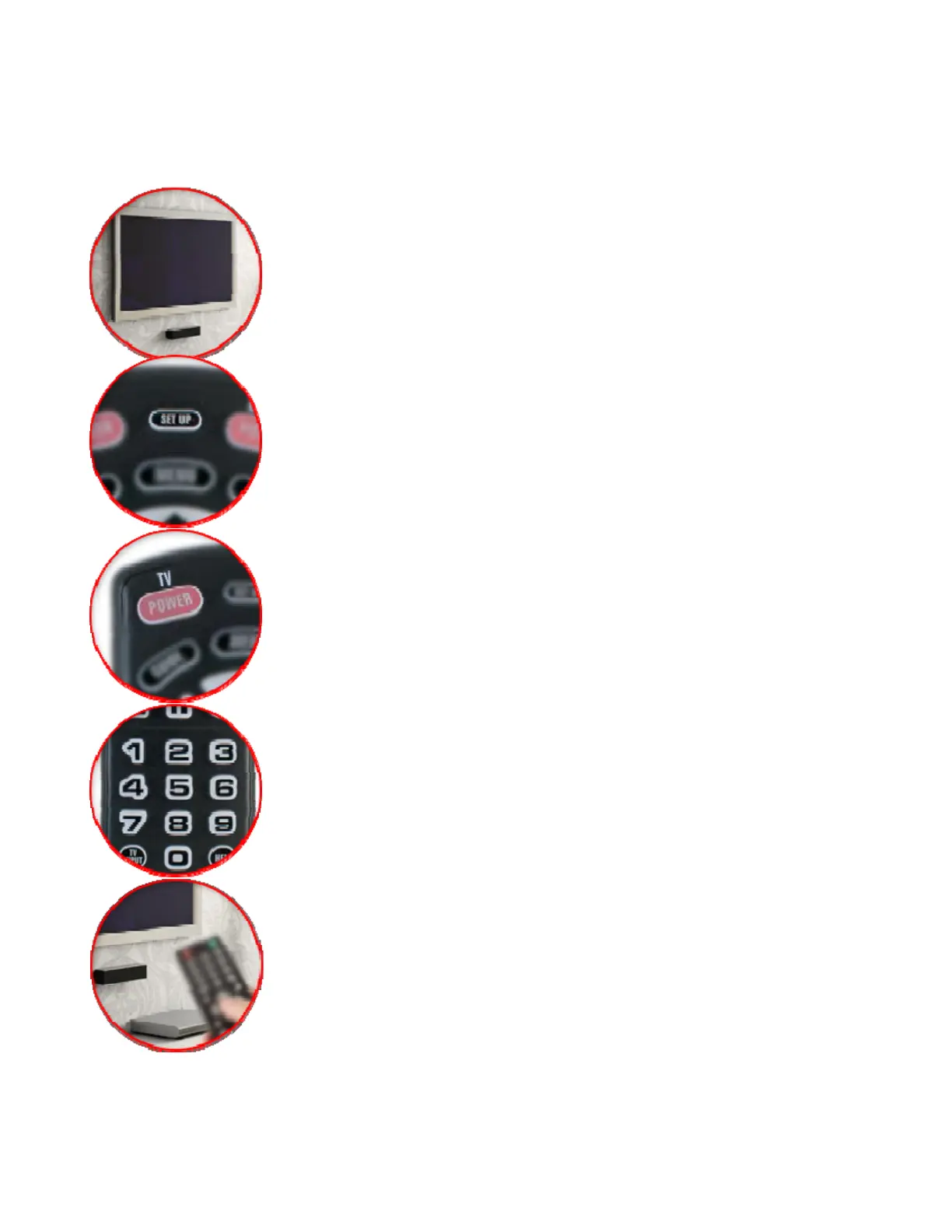
“Autoprogram” Instructions To Search For Correct Code:
Turn on the TV and follow the steps below to search
through all codes.
Be sure to point the remote at your TV during setup
1. Press and hold SETUP until the LED blinks twice
2. Press the TV POWER key.
3. Aim the remote at your TV and press and hold down the
OK key.
4. Release the key when the TV turns off and setup is
complete


 To Next Page