23
Setting the alarm
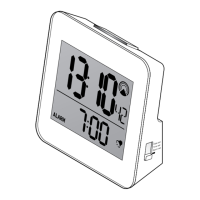
1. Slide the switch to Alarm set.
The alarm time flashes in the display.
2. Use the or button to set the alarm
time.
For quick setting keep the respective button
pressed.
3. Slide the switch to (lock) to save your
setting.
4. Press Alarm on/off to activate the alarm.
Current alarm time and the symbol will
appear on the display.


 To Next Page