25
Setting the time of day and date
manually
If you are within transmission range, the clock
will automatically set itself to the time of day
and the current date received as soon as there
is sufficient reception.
However, you can also set the time of day and
date manually.
Setting the time of day
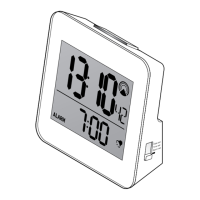
1. Slide the switch to Time set.
The time of the day flashes in the display.
2. Use the or button to set the time of
day.
For quick setting keep the respective button
pressed.


 To Next Page