67
Working with pictures
You can work with pictures by rotating or cropping them, sharing
them with friends, setting them as a contact photo or wallpaper, etc.
Find the picture you want to work on, and touch the picture in the
full-screen picture view.
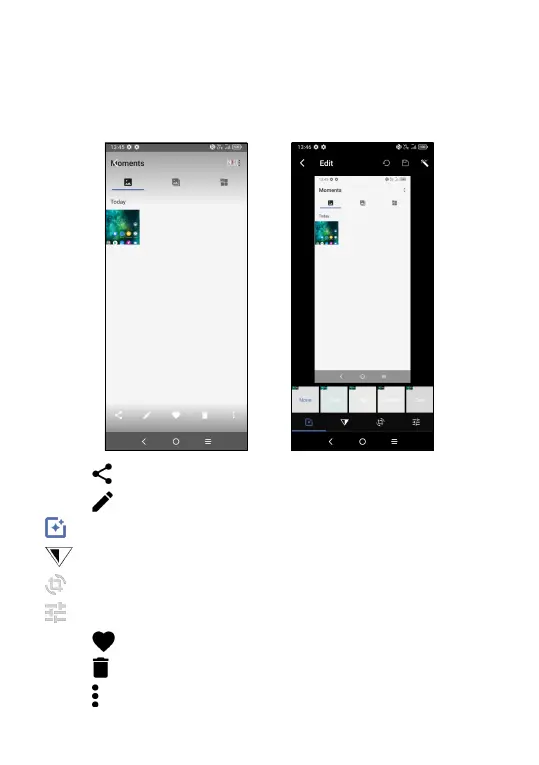
• Touch to share the picture.
• Touch
to edit the picture.
Choose picture effect.
Set as None or Dehaze.
Crop, Straighten, Rotate, Mirror, or Draw the picture.
Adjust the picture color.
• Touch
to set the picture as your favorite.
• Touch
to delete the picture.
• Touch
> Set as to set the picture as a Contact photo or Wallpaper.



 To Next Page