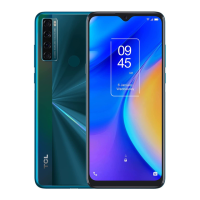
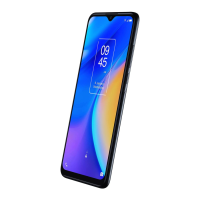
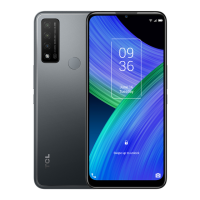
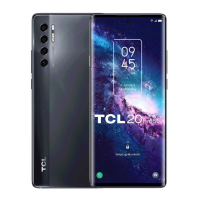
5
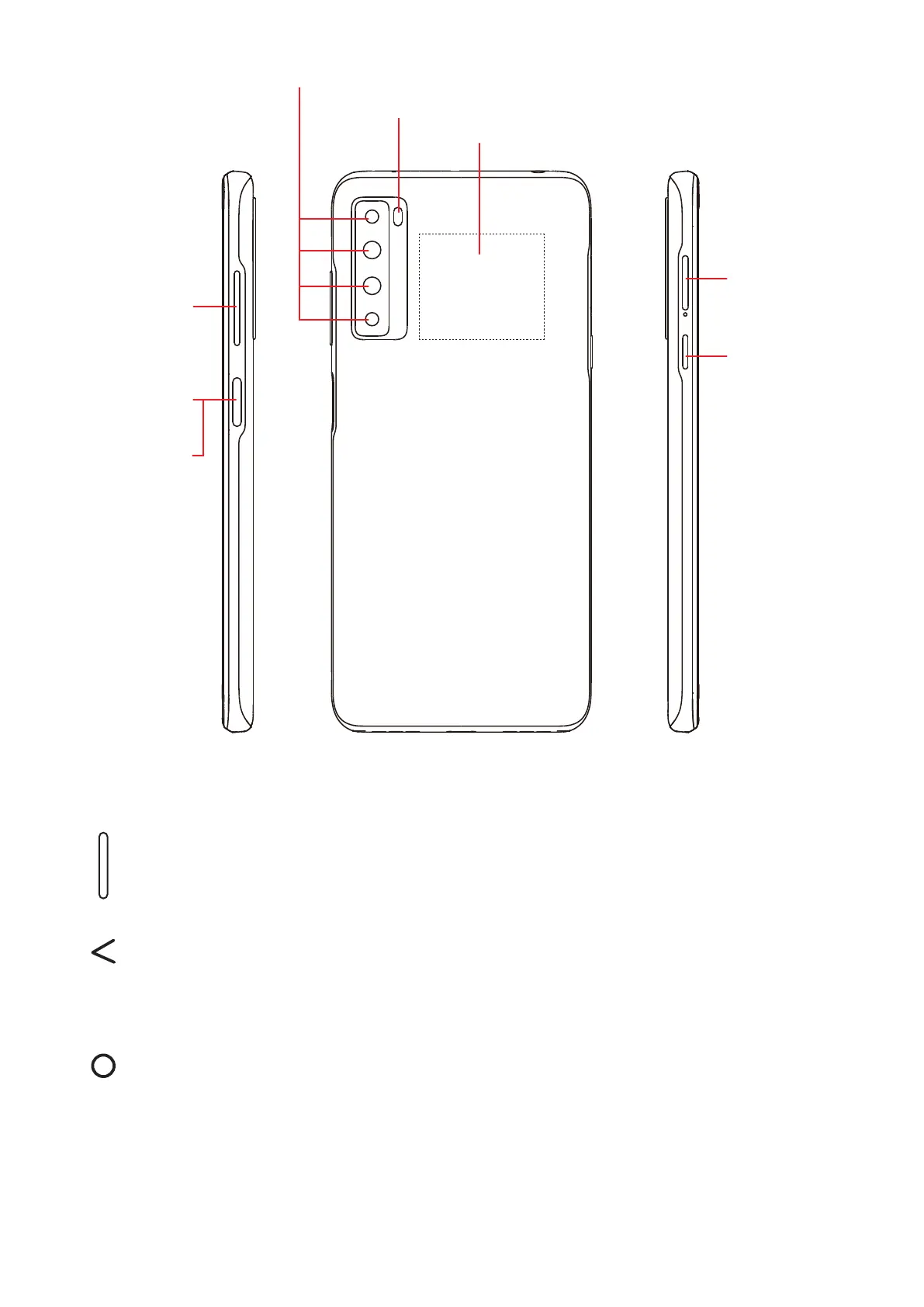
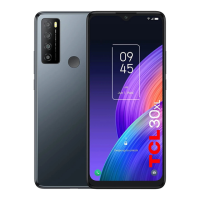
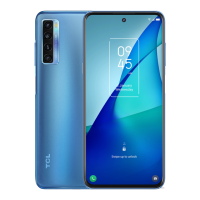
Fingerprint
sensor
Multiple rear cameras
LED flash
The Google
Assistant
Botton
SIM card
slot/microSD
card slot
NFC sensor area
Volume keys
Power key
The Google Assistant Button (left of the device)
• Press to access the Google Assistant
Back button
• Touch to go back to the previous screen, or to close a dialog box, options
menu, the notification panel, etc.
Home button
• From any application or screen, touch to return to the Home screen.
• Touch and hold to turn on Google Assistant. You can get help such
as getting directions and restaurant information based on the content
detected on the screen.


 To Next Page