6.4 ADDING OR ERASING CHANNELS
You can add or erase channels from the list in the TV s memory.
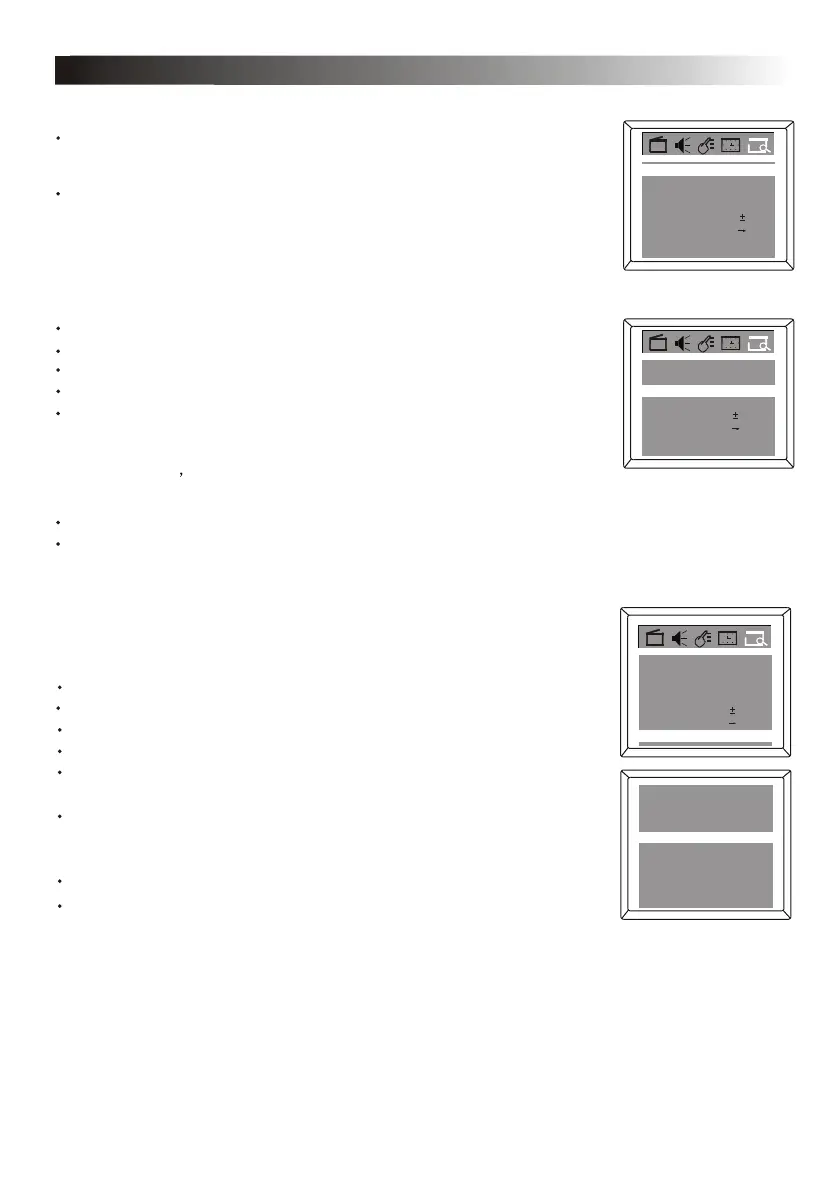
Activate the PRESET menu.
Press the CHANNEL UP/DOWN button to select Add/Erase.
Press the VOLUME UP/DOWN button to select Add or Erase. If you select
Add, the channel will be available when you press the CHANNEL UP and
DOWN buttons to move through channels. Choosing Erase will remove the
channel from TV s memory. The channel will be available when you press
the CHANNEL UP and DOWN buttons to move through channels.
Press the MENU button to confirm your selection and exit.
Press CHANNEL DOWN button to enter the submenu selection.
Fine 0
Favourite list
18Channel
Manual Up
TVTV/CA TV
Auto search
Add/Erase Add
If you want to add or erase other channel, follow the above procedure.
6.5 FAVORITE CHANNEL SETTING
You can store five favorite channels in memory and preview those channels
by FAVORITE button.
Activate the PRESET menu.
Press the CHANNEL UP/DOWN button to select Favorite List.
Press the OK button to display features of Favorite List as shown.
Press CHANNEL UP/DOWN button to select CH 3 , then press the
VOLUME UP/DOWN button to select channel number you want to store into
this position, such as 8.
Repeat the above procedure to set other four favorite channels.
Press the MENU button twice to exit menu display.
When the highlight bar is on TV/AV, press the VOLUME UP/DOWN button
to select TV or CATV to be the signal source, e.g. CATV.
Add/Erase
Fine
Auto search
0
Add
2Channel
Aft On
TVTV/CATV
Favourite list
TV/CATV CATV
CH 1 CATV 1
CH 2 CATV 2
CH 4 CATV 4
CH 5 CATV 5
CH 3 CATV 8
Press CHANNEL DOWN button to enter the submenu selection.
6. CHANNEL PRESET
Press CHANNEL UP/ DOWN button to select FINE, then press VOLUME UP
When fine tuning is completed, press the MENU button to quit menu, or menu
will quit after a few seconds without further action.
/DOWN button to fine tune the channel upward or downward until satisfied
picture and sound quality are achieved.
Add/Erase
Fine 0
Favourite list
Add
59Channel
TV/CA TV
Auto search
Manual Down
CATV
Using the DIGIT KEYS, select the channel you wish to add or erase.
15



 To Next Page