3
④
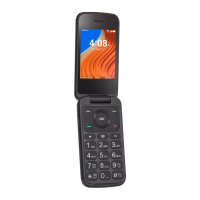
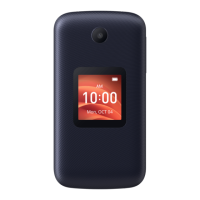
Internal display
⑤
Navigation Key (up, down, left, right)
• Menu selection moves up, down, right, and left
• Press Left: Access Applications
• Press Up: Access Phone Settings
• Press Right: Access Camera / Video
⑥
Right Soft Key
• Press: Access Contacts
⑦
Center Soft Key
• Confirm an option (press OK key)
• Press: Access app list (from Home screen)
⑧
End/Power Key
• Press: End a call, return to the Idle screen
• Press and hold: to Restart and Power on/o
⑨
Back/Delete Key
• Move backwards through Menus
• Delete entered number or letters
⑩
Messages
• Press: Access Messages
Letters symbols
• Press then choose a symbol. Press the Center
Soft Key to insert in message or email
Text input
• Repeat press of to change text input method
from ABC to Abc, 123 or Predictive text


 To Next Page