IT - 7
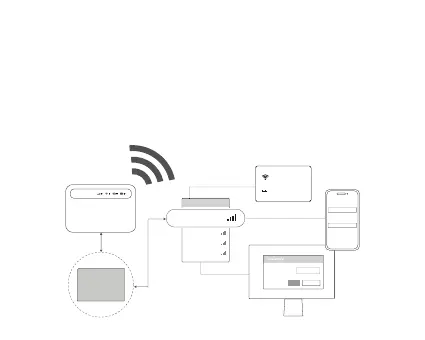
Collegamento alla rete
1.AssicuradiaverpresonotadelnomeWi-Fi(SSID)edellapassword
sull'echeasoolabaeria.
2.Aprireleimpostazionidiconnessionedeldisposivodacollegare,ad
esempiounPC,untabletounosmartphone,cercareilnomeWi-Fi(SSID)
efareclicsudiessoperconneersiallareteWi-Fi.Immeerelapassword
dall'echeaquandorichiesto.
Security Key:
***********
Cancel
OK
xxxx-xxxx
*********
xxxxxxxxx
xxxxxxxxx
xxxxxxxxx
xxxxxxxxx
xxxx-xxxx
Select network
password
***********
xxxx-xxxx
SSID: xxxx-xxxx
WIFI Key:
***********



 To Next Page