Downloadandinstalltheapplicaon
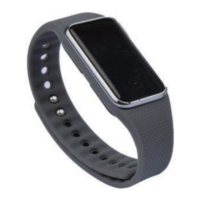
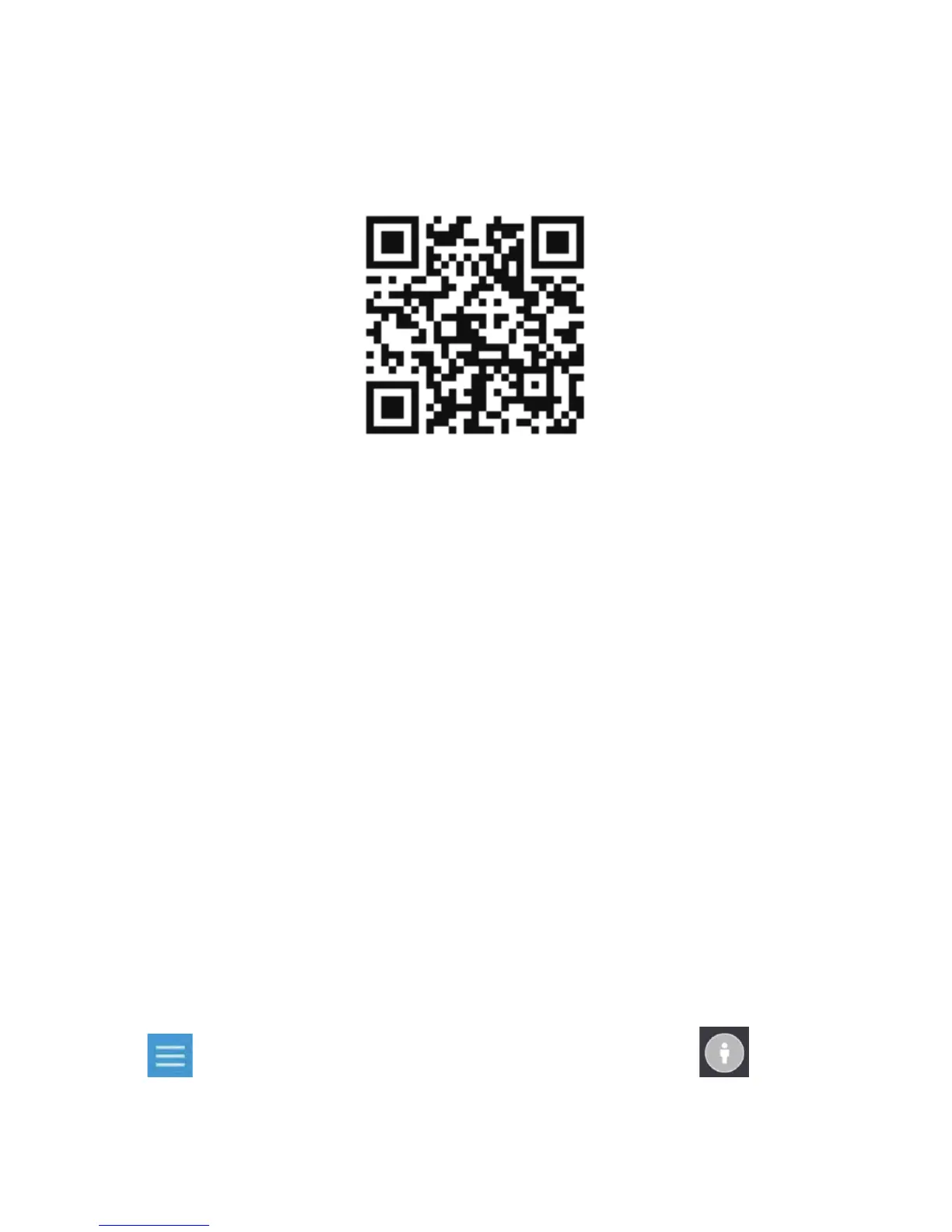
Longpressthetouchbuonfor3secondstopoweron.Scan
theQRcodetodownloadandinstalltheapplicaon.
Launchingtheapplicaon
Connecon
1. TurnonBluetooth.
2. TouchtheAppicon.Aertheintroduconinterface,touch
"Experiencenow"toentertheHomepage.
3. Select"Trackermode"andclick"Pairdevice".Adialogbox
willthenappearonyourdeviceandsimultaneously6digits
will appear on the screen of your MOVEBAND Display.
Inputthe6digitsandthenclick"Pair".
4. Once paired successfully, the date, baery status, tness
acvitystatusandsleepstatuswilldisplayonyourband.
Login
Click toentertheuserinterface,thenclick tocreate
anaccounttologin.


 To Next Page
 Loading...