EN - 2
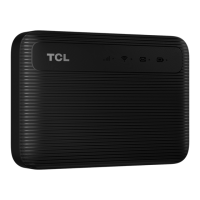
Overview
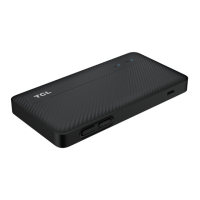
Power
button
•Pressandholdfor3secondstopoweronoroffyour
device.
•Pressandholdfor10secondstorebootyourdevice.
NOTE
IfyourdevicesupportsLEDtime-outcontroland
thisfeatureisactivated,thenshortpresspowerbuttonto
turnonLEDindicatorsoncetheyareturnedoff.
Micro
USB port
Connecttoapowersupply(5V/1A)usingtheprovided
USBcable.
NOTE
BundledUSBcablemaynotsupportdatatransfer.
Buons



 To Next Page