AC~IN OPTICALUSB HDMI (eARC)HDMI IN
3a
Overview
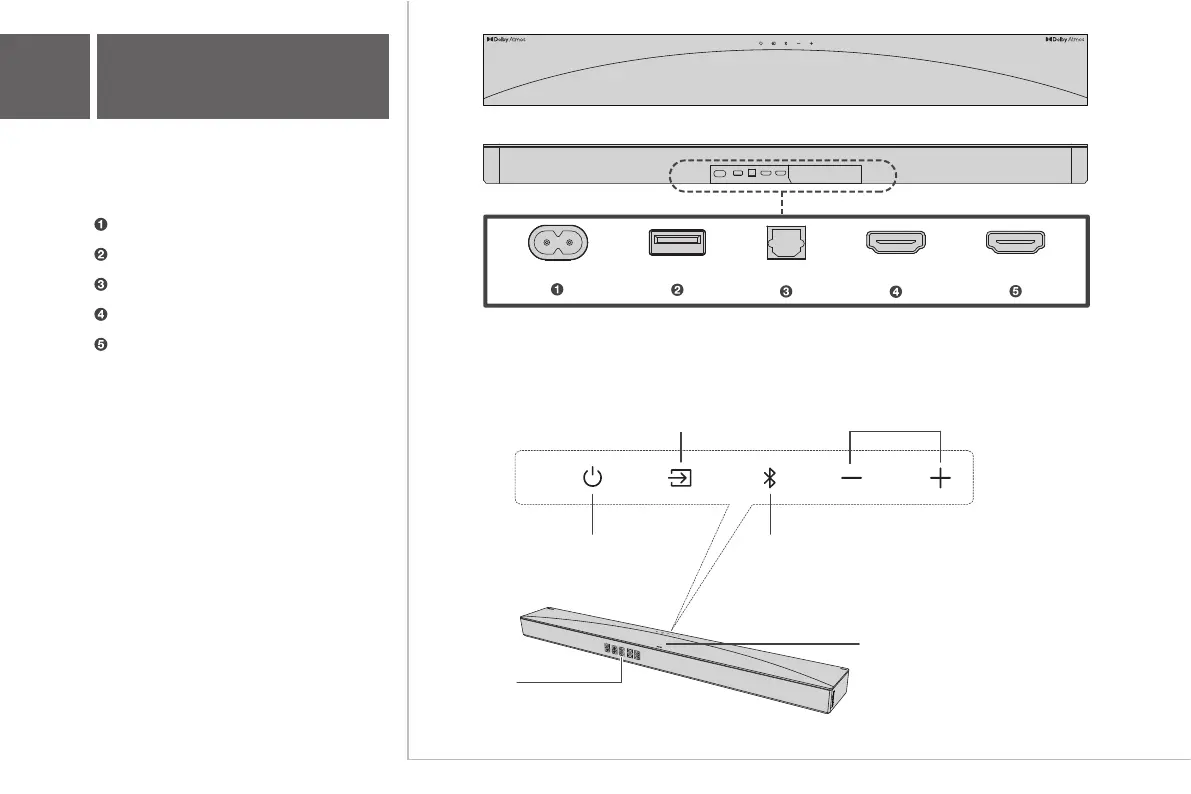
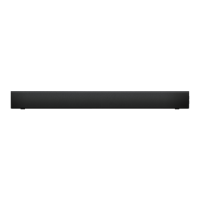
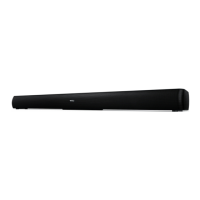
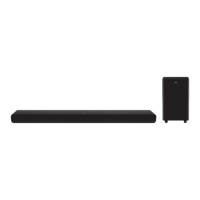
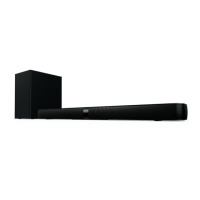
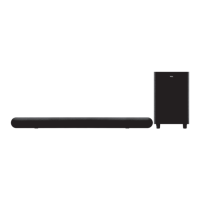
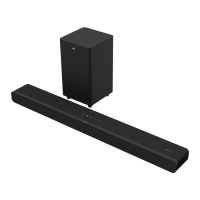
Sound Bar
Volume buttons:
Press to increase or
decrease the volume level
Source button:
Short Press: Switch input sources
(HDMI eARC/Optical/USB/Bluetooth/HDMI IN)
Long Press: Enter subwoofer pairing or satellite speakers
(If they are disconnected)
Power button:
Short Press: Power on/sleep
Long Press: Power off
Bluetooth button:
Short Press: Select Bluetooth mode
Long Press: Bluetooth pairing
LED Display:
Show the current status.
Receive signal from the remote control.
AC~IN
OPTICALUSB
HDMI (eARC)
HDMI IN
AC input power connector
USB Type A connector
Optical input connector
HDMl eARC connector
HDMl IN connector
TCL
The Light on the top will indicate below scenario status:
1. Power ON: The Light will turn on from the center to the sides.
2. Power OFF: The Light turn on and turn off from the sides to the center.
3. Dolby Atmos format: The Light turn on.
4. VOL +: The Light will gradually turn on from the center to the sides.
5. VOL -: The Light will gradually turn off from the sides to the center.


 To Next Page