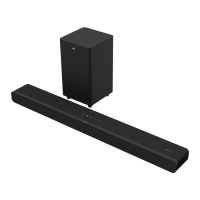
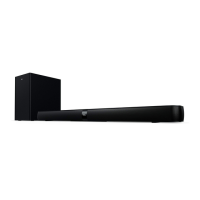
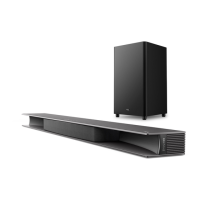
3b
Overview
THE SUBWOOFER WILL PAIR AUTOMATICALLY
WITH SOUND BAR UPON THE FIRST USE. In
case of a problem, take the following steps to
manually pair:
After a short while, the Subwoofer LED will turn
solid. The Subwoofer is now connected to the
Sound Bar.
3.
2.
Press and hold the button on the Sound
Bar for 10 seconds until the LED display shows
“SETUP PAIR” on the Sound Bar.
Press and hold the button on the Subwoofer
for 3 seconds until an amber light begins flashing
on the button.
1.
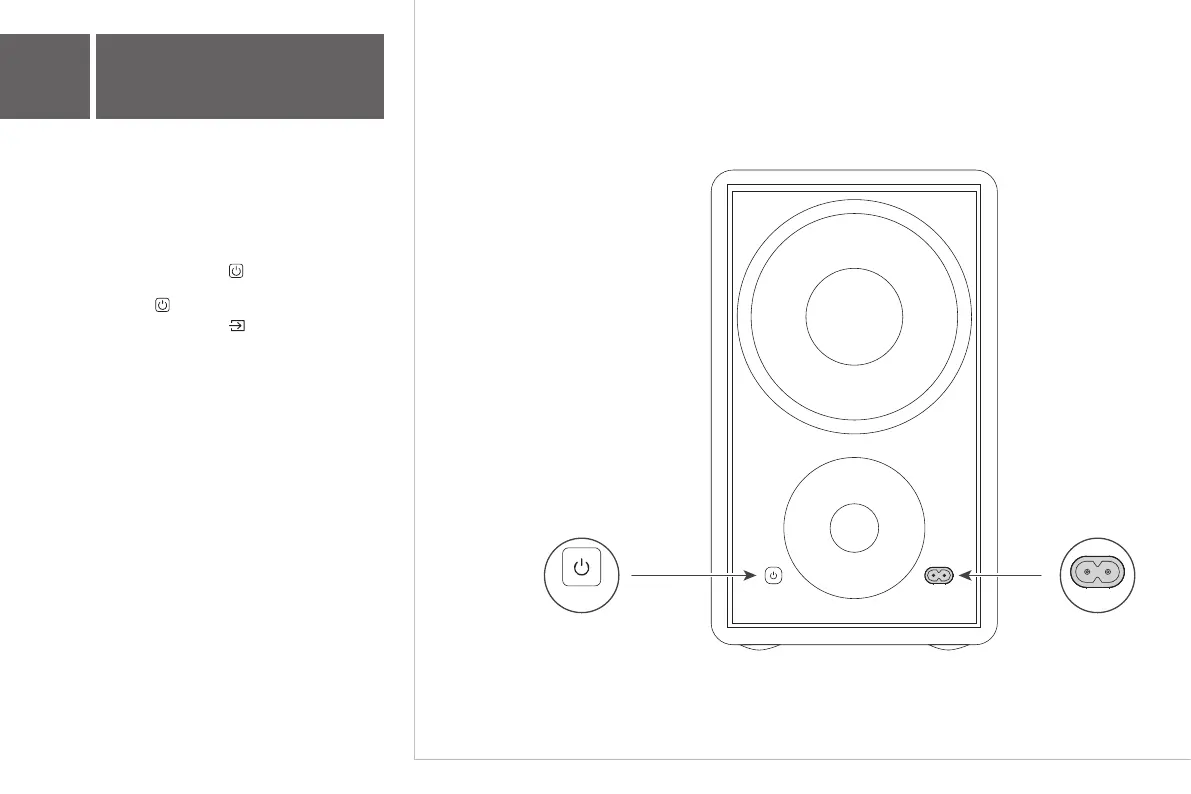
Power on/off/pairing indicator
of the subwoofer
ON/OFF
AC input power connector
AC~IN
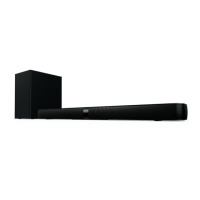
Wireless Subwoofer
No light - OFF;
Flashing every 3 seconds - waiting for pairing;
Quick flashing (long press) - entering pairing
mode;
Solid light – ON.
ON/OFF AC~IN


 To Next Page