EasyManua.ls Logo

TCL Q85H - Page 8

TCL Q85H
25 pages
Print Icon
To Next Page IconTo Next Page
To Previous Page IconTo Previous Page
Loading...
4
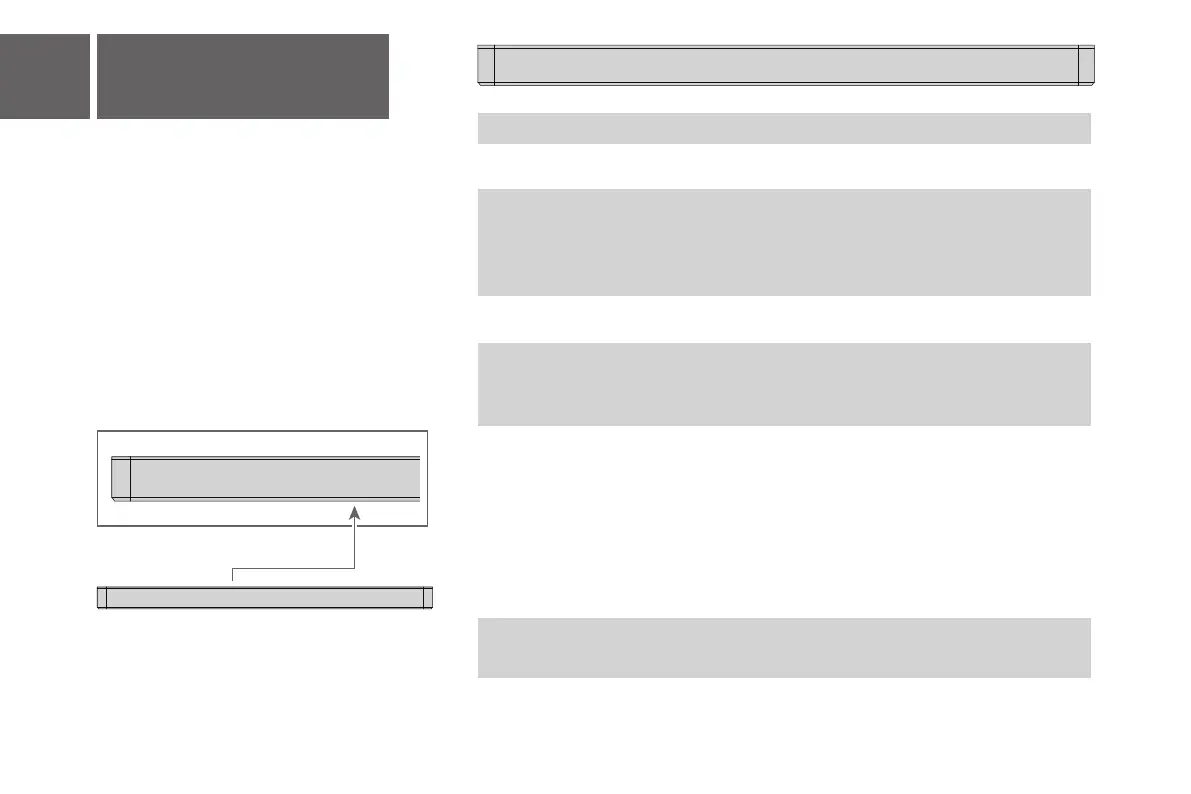
Sound Bar LED Display
The LED display on the Sound Bar helps to
understand Sound Bar behavior.
Sound Bar Status
Power on
Power off
Bluetooth
Optical
HDMI eARC/ARC
USB
Searching mode (flashing)
Pairing mode
Volume level
Minimum volume reached
Maximum volume reached
Mute
LED Display Status
HEELO
STDBY sleep
BT
OPT
HDMI IN 1
HDMI IN
USB
BT
PAIRING
V 36
MIN
MAX
MUTE
Power
Source
Bluetooth
Volume control
SurrEnhan
/
SURENH ON SURENH OFF
Pass Throu
/
PASSTH ON PASSTH OFF
Night /
NIGHT ON NIGHT OFF
/
HDMI EARC
Voice Enhance /
OFFON
Surround Enhance /
OFFON
Audio setting
Bass (+/-) /
LOW MEDIUM
/
high
Treble (+/-) /
LOW MEDIUM
/
high
Surround Speaker VOL (+/-) /
LOW MEDIUM
/
high
/
POSITION 1 POSITION 2
/
POSITION 3
/
OFF
AI SONIC
HELLO
HELLO
HELLO
standard MOVIE MUSIC
Voice game sports
Sound modes
Standard/Movie/Music/
Voice/Game/Sports
Light Setting
/
light 1
light 2
/
light 3
Light

Related product manuals