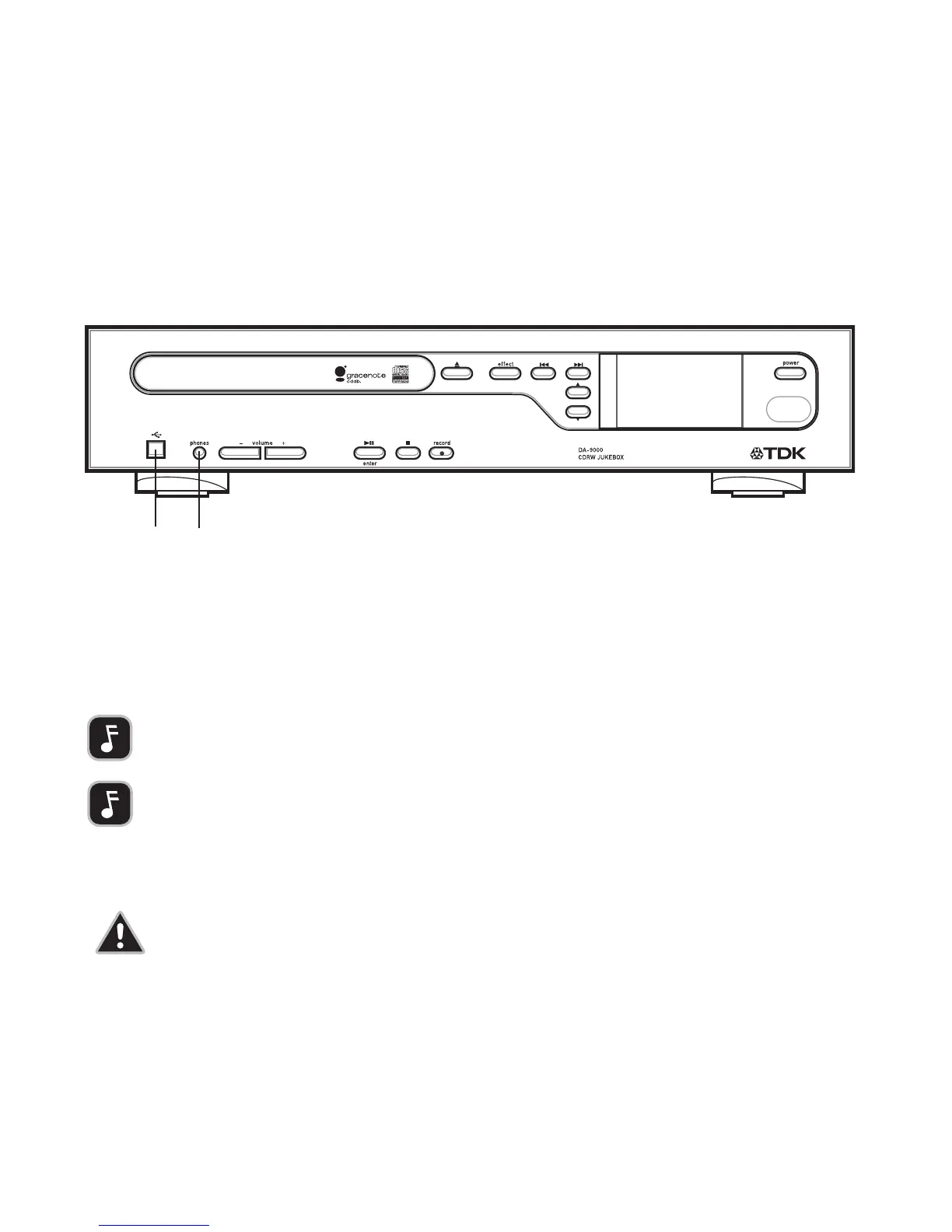
FRONT PANEL CONNECTIONS
[D] USB
Before MP3 audio files can be transferred from/to your PC, a USB cable must be con-
nected between the DA-9000’s USB port and a USB port on your PC.
[E] HEADPHONES
To listen through headphones, plug headphones into the unit’s front-panel jack.
IMPORTANT NOTE: After you’ve finished transferring files, disconnect
the USB cable. When the USB cable is connected, the DA-9000 is in
a passive mode, and cannot perform most of its functions.
IMPORTANT NOTE: The included TDK PC Transfer Software must be
used to transfer files between a PC and the DA-9000. For more
information, see page 13.
CAUTION: Listening to headphones at high volumes can
cause hearing loss. Before you place headphones on your
ears, verify that the headphones’ volume isn’t dangerously
loud.



 To Next Page