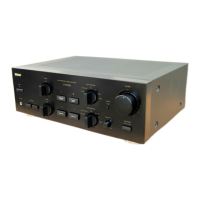
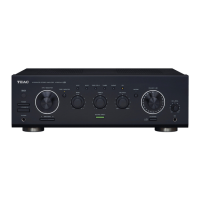
Amplifier Section
Power output . . . . . . . . . . . . . . . . . . . 45 W + 45 W (6 Ω, 1 kHz, 0.1 %)
Total Harmonic Distortion . . . . . . . . . . . . . . 0.1 % (1 kHz, 6 Ω, 45 W)
S/N Ratio . . . . . . . . . . . . . . . . . . . . . PHONO: 70 dB (IHF-A/input short)
AUX, CD, TAPE, TUNER: 95 dB (IHF-A/input short)
CD direct: 95 dB (IHF-A/input short)
Input Sensitivity/Impedance. . . . . . . . . . . . . . PHONO: 2.5 mV 47 kΩ
AUX, CD, TAPE, TUNER: 180 mV 20 kΩ
Frequency Response . . . . . . . . . . . . . . . . . . . . . . . . . . . . . .10 Hz - 65 kHz
Tone Control . . . . . . . . . . . . . . . . . . . . . . . . . . . . BASS : ±10 dB (100 Hz)
TREBLE : ±10 dB (10 kHz)
General
Power Requirement . . . . . . . . . . . . . . . . . . . . . . . . . . . . . AC 230 V, 50 Hz
Power Consumption . . . . . . . . . . . . . . . . . . . . . . . . . . . . . . . . . . . . . . 85 W
AC Outlet (total 100 W max.). . . . . . . . . . . . . . . . . . . . . . . . switched x 1
Dimensions (W x H x D) . . . . . . . . . . . . . . . . . . . . .215 x 110 x 312 mm
Weight (Net) . . . . . . . . . . . . . . . . . . . . . . . . . . . . . . . . . . . . . . . . . . . . . .5.0 kg
Standard Accessory . . .Remote Control Unit (RC-1179 or RC-1183)
Battery (AAA, R03, UM-4) x 2
AC Power Cord x 1
Owner’s Manual x 1
Warranty Card x 1
< D
esign and specifications are subject to change without notice.
< W
eight and dimensions are approximate.
< I
llustrations may differ slightly from production models.
If you have TEAC Reference 380 series, convenient system control
operations and AI direct play functions are possible.
<By pressing the STANDBY/ON button of A-H380, you can switch
ON/standby all the unit connected by remote control cords.
(Set the REMOTE CONTROL SELECTOR on the rear panel of the
PDH380 to ” SYSTEM ” .)
< W
hen you press the PLAY button of a source, the INPUT
SELECTOR of A-H380 is set to the source automatically.
< The source you select by the INPUT SELECTOR of A-H380 will be
played automatically.
< When you turn on the system, the source that was selected last
time will start playback automatically.
< You can use the system remote control unit to operate all the
unit connected by remote control cords.
< You can switch ON/Standby all the unit connected by the remote
control connection cord using the daily timer or sleep timer of
the T-H380.
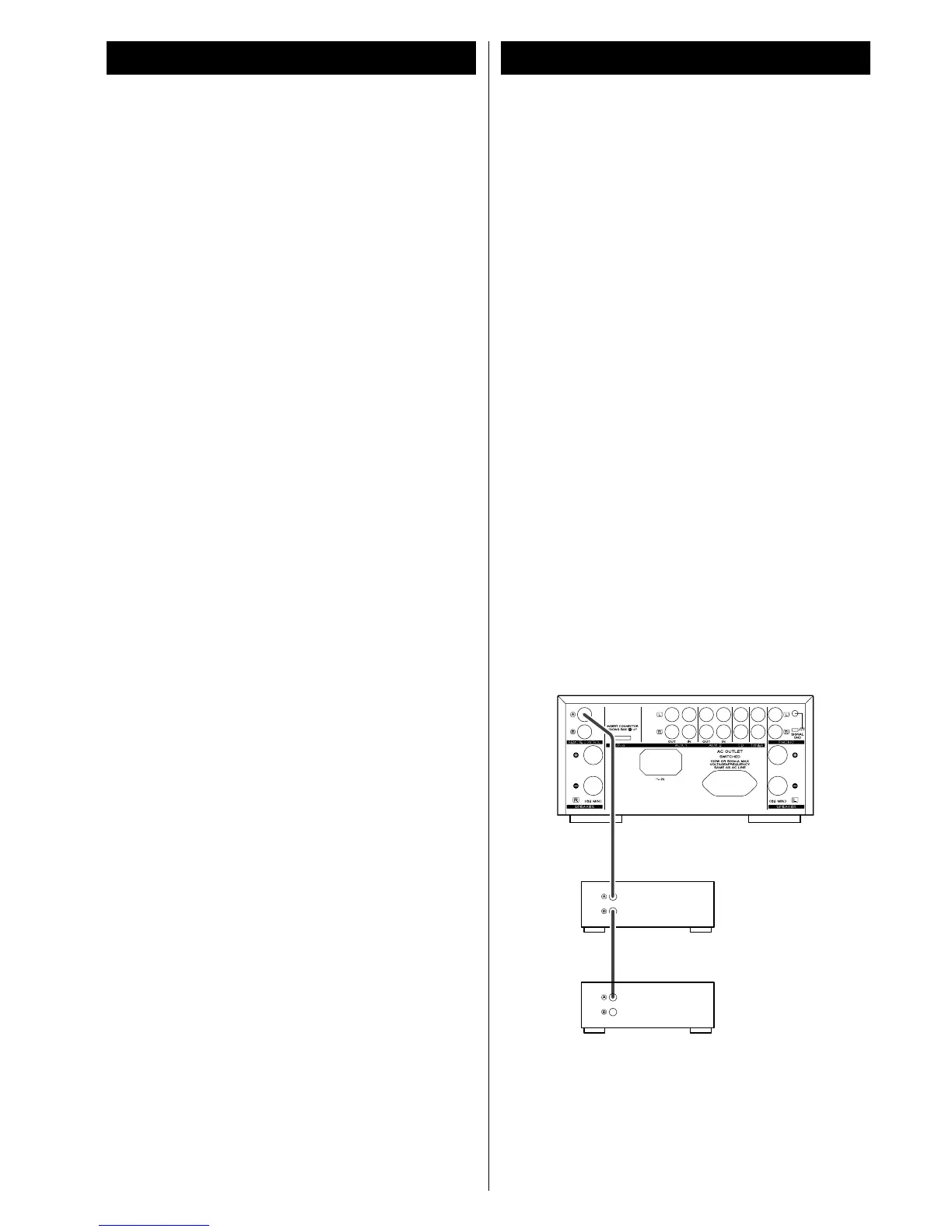
Connect the REMOTE CONTROL jack (A or B) of each
component by remote control connection cords.
A-H380
Reference 380
Reference 380



 To Next Page