7
ENGLISH
RL
RL
A B
C
Connections
CAUTION:
< Switch off the power to all equipment before making connections.
< Read the instructions of each component you intend to use with this unit.
< Be sure to insert each plug securely. To prevent hum and noise, avoid bundling
the signal interconnection cables together with the AC power cord.
CD Player, MD Deck, etc. Amplifier
DIGITAL OUT
REC PLAY
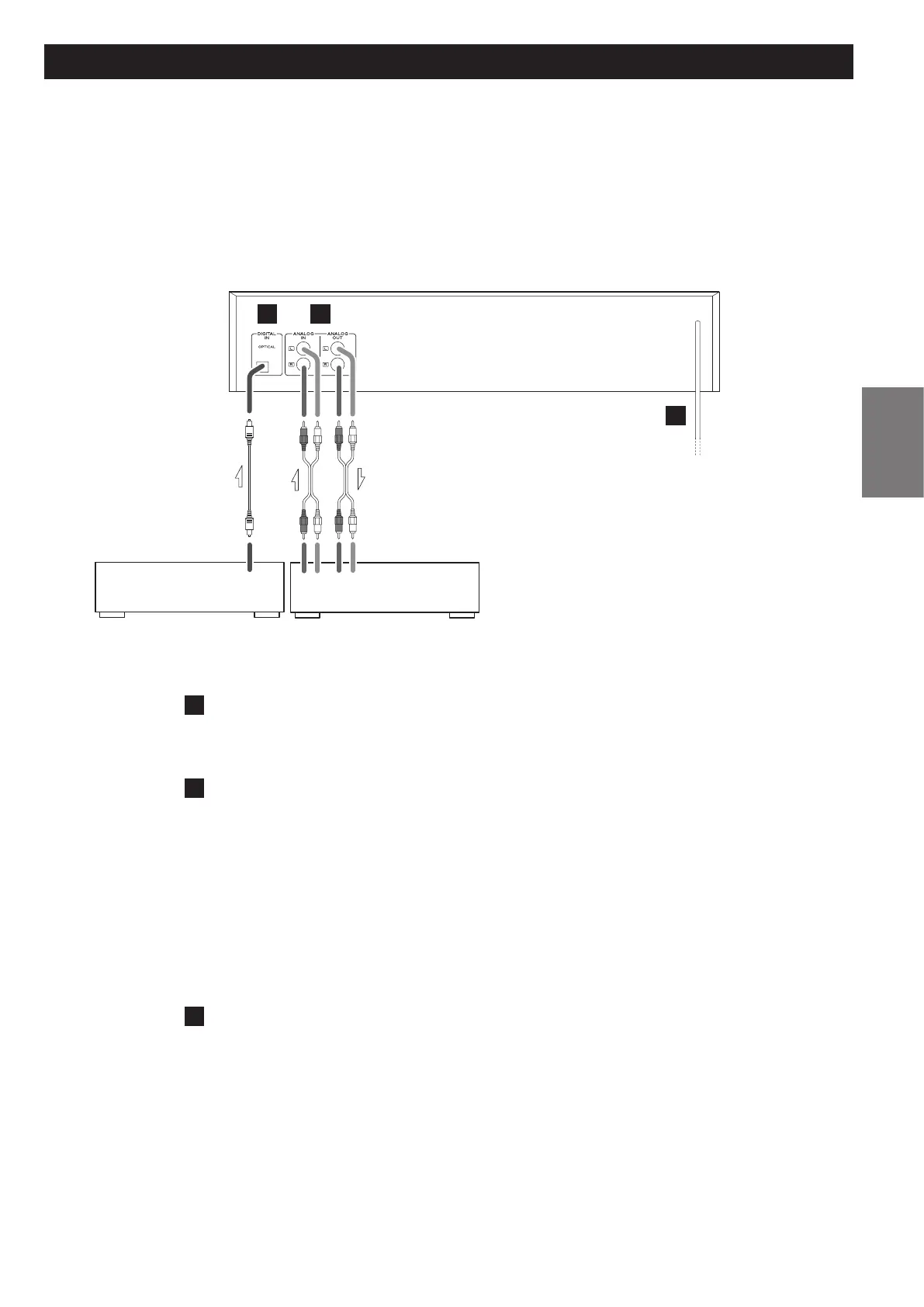
A
DIGITAL IN terminal
To record digital audio signals, connect this terminal to the digital output terminal of a
digital device such as a CD player with a commercially available optical digital cable.
B
ANALOG IN/OUT jacks
Analog 2-channel audio signal is input or output from these jacks. Connect these jacks to
the amplifier with RCA cables.
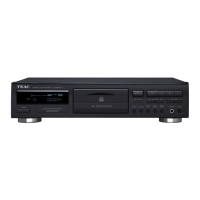
CD-RW890MK@
Amplifier
ANALOG OUT q
CD-R (TAPE) PLAY
ANALOG IN q
CD-R (TAPE) REC
Make sure to connect:
white plug q white jack (L: left channel)
red plug q red jack (R: right channel)
C
AC Power Cord
After all other connections are complete, connect the plug to the AC wall socket.
Be sure to connect the power cord to an AC outlet which supplies the correct voltage.
Hold the power plug when plugging or unplugging the power cord. Never pull or yank
on the power cord.
< If the unit will not be used for a long period of time, unplug the power cord.
AC Outlet


 To Next Page