OSD Menu
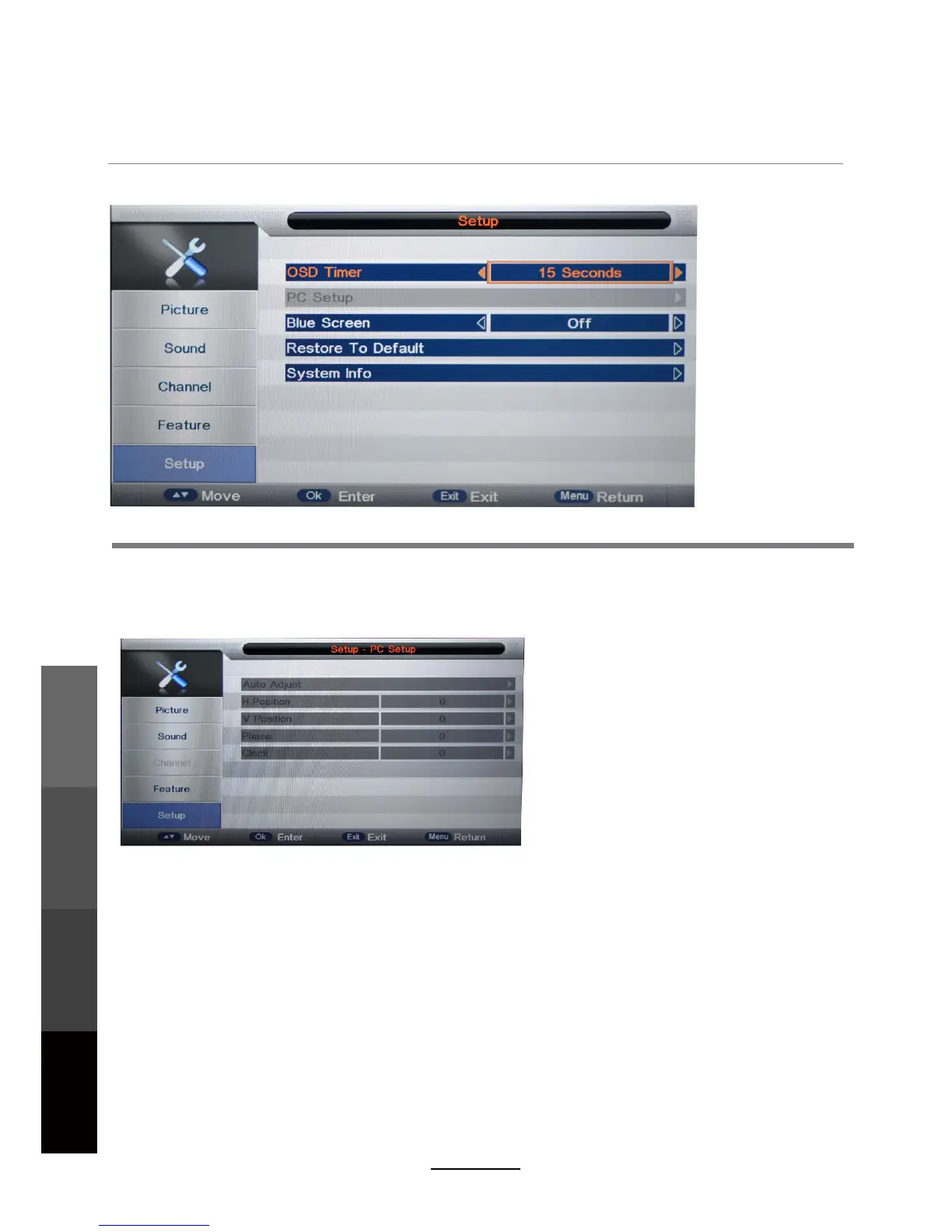
OSD Timer: Lets you adjust the amount of time the On Screen Menu stays on the screen
before disappearing.
Blue Screen: Changes the background colour when there is no input between clear and a blue
background (Not available in some input modes like ATV).
Restore To Default: This clears all the TV settings for the television. Password input required.
System Info: Display the TV system information and customer support information.
5. SETUP menu
Description
PC Setup: Change the PC Settings in PC mode.
Auto Adjust: Adjust the parameter of the screen automatically.
H/V-Position: Adjust the horizontal/vertical position of the screen.
Phase:
Adjust the phase of the ADC sampling clock relative to the sync signal, until a
stable image is obtained.
Clock: Adjust the pixel clock frequency, until the image size is maximized for the screen.
OSD Menu
Multimedia
Operation
Recording
Operation
Maintenance
and Service
20



 To Next Page