Media
18
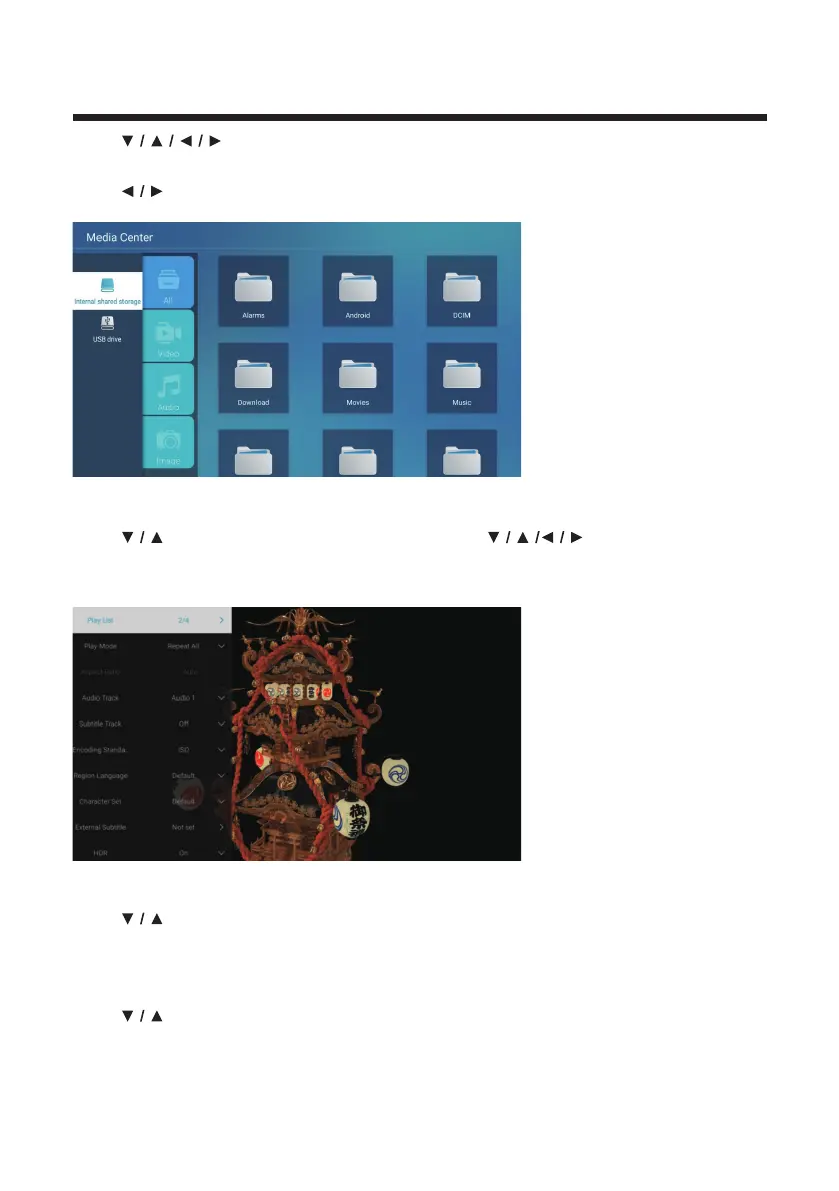
Press button to select Multimedia on the Home page or press MEDIA
button on the remote,and press OK button to enter the Media Center.
Press button to select All/Video/Audio/Image.
Video
Press
button to select Video or All,and press button to select
Movies.
Press Menu button to display the setting options on the left side.
Play List
Press
button to select Play List and press OK button to display all available
videos.
Play Mode
Press
button to select Play Mode and press OK button to select.
(Options: Repeat All/Auto exit/Repeat One/Random/Play List)



 To Next Page