25
Cool
Normal
Warm
The picture is in favor of green-blue and less red.
The whole color is in favor of light. The picture is more fresh and
elegant.
The picture does not in favor of any color.The color is moderate.
The picture is in favor of red-green and less blue to make the
color more vivid and soft.
Color Temp
Adjust the overall color of the image.
Press
button to select Color Temp.
Press button to select Cool/Normal/Warm.
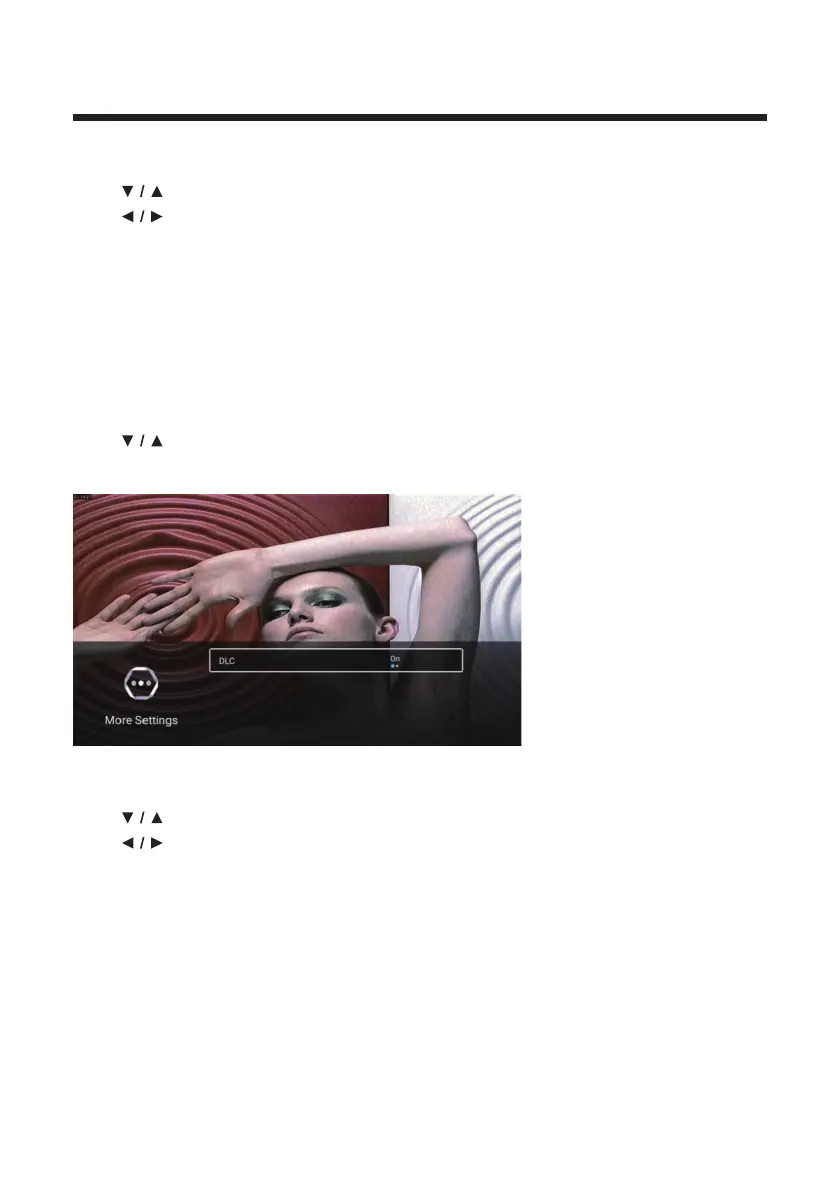
More Settings
Press
button to select More Settings.
Press OK button to enter the sub-menu.
DLC
Press
button to select DLC.
Press button to select On/Off.



 To Next Page