34
Search Type
Press
button to select Search Type, then press button to select ATV+DTV/
ATV/DTV.
Auto Scan
Automatic search can search for effective program channel automatically.
Press
button to select Auto Scan, then press OK button to start auto search.
If you want to stop searching, press EXIT or MENU button to stop searching.
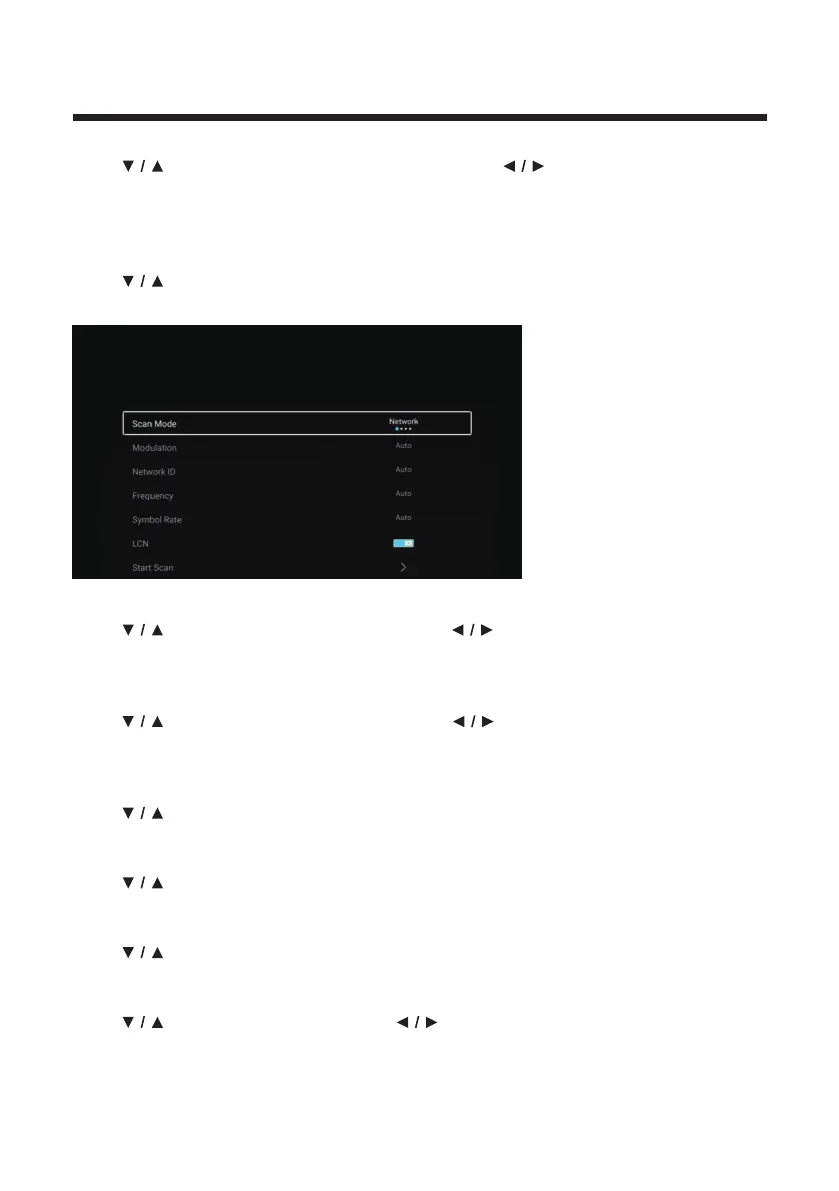
Scan mode
Press
button to select Scan mode. Press button to select Network/Quick/
Full/Blind.
Modulation
Press
button to select Modulation. Press button to select Auto/16QAM/
32QAM/64QAM/128QAM/256QAM.
Network ID
Press
button to select Network ID.
Frequency
Press button to select Frequency.
Symbol Rate
Press
button to select Symbol Rate.
LCN
Press
button to select LCN. Press button to select On/Off.



 To Next Page