28
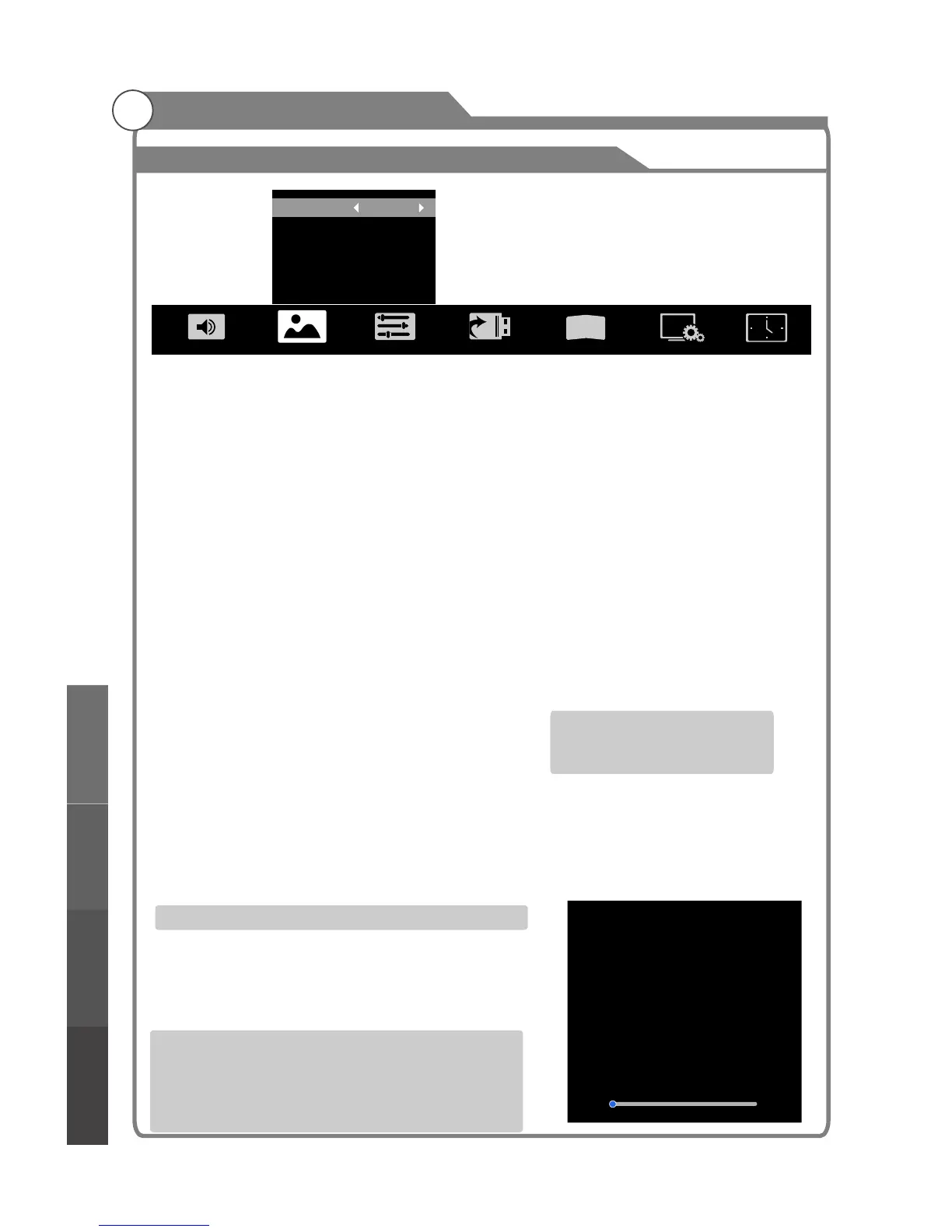
Picture Mode
Your TV has five picture settings (Standard, Soft, Vivid, User, Dynamic) that are preset at
the factory. Only "User" mode can be set to your preference by adjusting particular items
such as Contrast, Brightness,Color,Sharpness,Tint.
1. Press p/q key to select "Picture Mode" option.
2. Press t/u key to select one picture mode.
Aspect Ratio
You can select the picture size which best corresponds to your viewing
1. Press p/q key to select “ " option.
2. Press t/u key to set the scale mode.
You can also press “ ” key on the remote control to select one of the scale modes.
Each source has different scale modes. (16:9, 4:3, Panorama, Movie, Subtitle, Dot by dot)
Color Temp
You can change the color of the entire screen
according to your preference.
1. Press p/q key to select "Color Temp" option.
2. Press t/u key to select one color temp.
Adjusting the Backlight
You can the brightness of the entire screen according to your preference.
1. Press p/q key to select "Backlight" option.
2. Presst/u key to select one backlight mode.
Window Adjust
This option is only used when VGA mode has signal.
1. Press p/q key to select “Window Adjust” option.
2. Press OK key to display the “Window Adjust” menu.
·Auto Adjust: Allows you to set the TV to self-adjust to
the incoming PC video signal. The fine, coarse and
position values are adjusted automatically
·H-Position: Set horizontal of picture.
·V-Position: Set vertical of picture.
·Clock/Phase: Remove or reduce picture noise.
requirement.
Aspect Ratio
Aspect
change
position
position
Image
Picture Mode Dynamic
Aspect Ratio
Color Temp
Backlight
Window Adjust
3
D
16:9
Cool
100
...
Standard: Keeps whites white.
Warm: Makes whites reddish.
Cool: Makes whites bluish.
Backlight: Adjusts the brightness of the whole screen.
Window Adjust
Auto Adjust
H-Position
V-Position
Clock
Phase
...
50
50
0
0
Menu system instruction
Menu system
instruction
Digital Media PlayerTroubleshooting
Picture defects and
the reason



 To Next Page