Search Type
ATV/DTV
Australia
New Zealand
Others
1/1
29
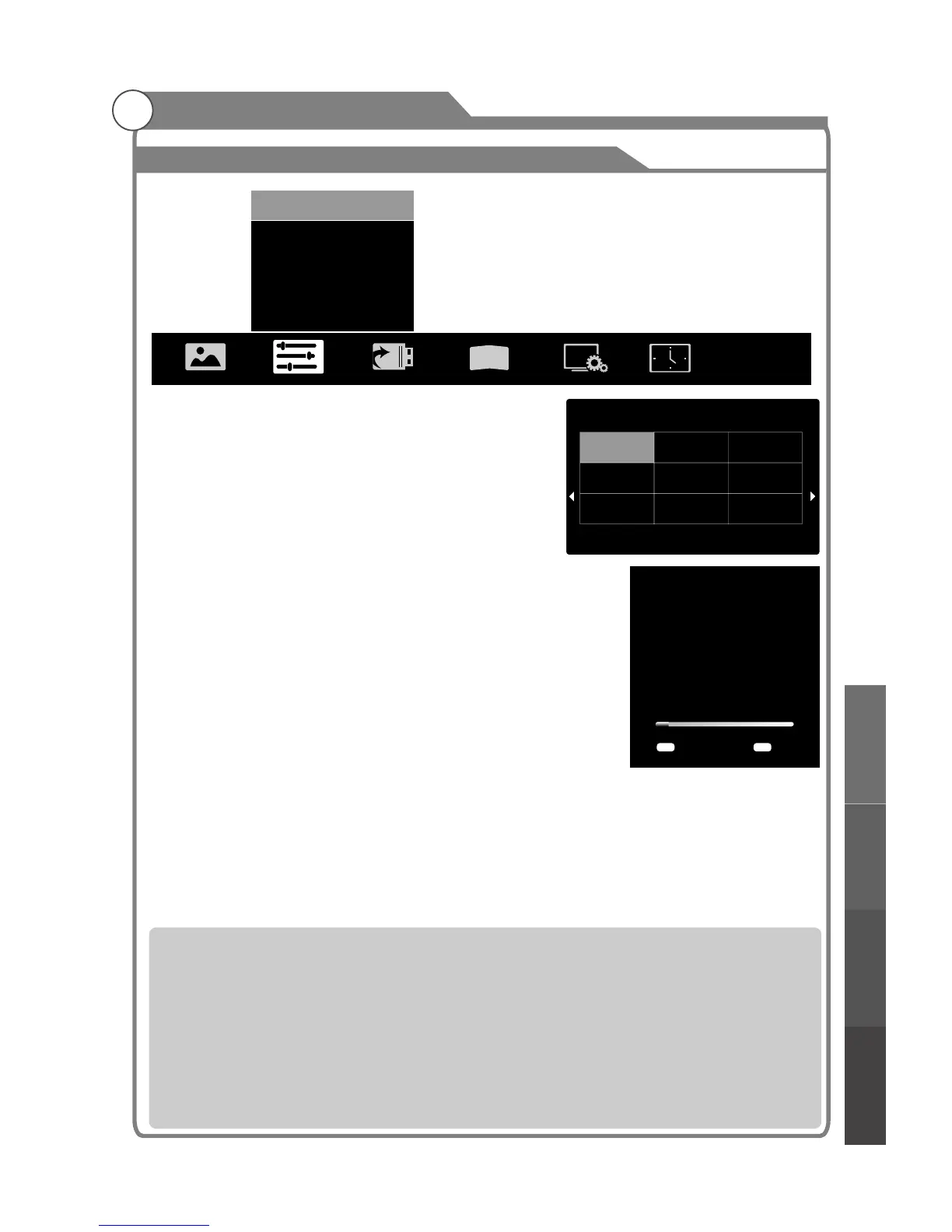
ress p/q key to select "Auto Search" option. Then
press OK key to start a notice window. In this notice
window, you can select country in the “Country
Selection” option and set “Tune Type” option.
EPG(Used only in DTV)
1. Press p/q key to select “EPG" option.
2. Press “OK” key to enter EPG submenu.
Note: The details operartion please see the page37.
Search
Search
Search
Auto Search
P
The number of searched channels will be shown on
the screen.If you set “Tune Type” to “DTV+ATV”,
When the searching of DTV channels is over , TV will
start to search ATV channels.When the whole
searching is finished, all the channels will be stored
in memory, and a message will appear on the screen
as per the diagram on the right:
NOTE: If you want to exit the whole searching, you can
press EXIT button.
ATV Manual
In the ATV/DTV source, you can choose “ATV Manual ” to enter “ATV Manual
” menu.
Program
3
D
Auto Search
EPG
ATV Manual Search
DTV Manual Search
Program Edit
Signal Information
...
...
...
...
...
...
Auto Search
TV:
DTV:
RADIO:
DATA:
0 Programmes
0 Programmes
0 Programmes
0 Programmes
1% VHF CH 5A DTV
Exit
EXIT
MENU
Skip
è
è Color System
" " AUTO
è Sound System Sound
ound " DK " I "
è
è
è
è
Current CH:You can see the current channel number and you can presst/u button to choose the channel you want to modify.
: Select the “Color System” option, press t/u on the remote control or TV. The color system will be changed
repeatedly in the order.PAL SECAM
: Select the “ System” option, press t/u on the remote control or TV.
The s system will be changed repeatedly in the below order. BG L
Search: you can use u button to search channels from low frequency to high frequency and use t button to search channels
from high frequency to low frequency. When you have searched a channel, the searching will be paused and you can press it
again for other channels after you store the channel.
Fine Tune: In case of unfavorable image or sound of TV program, you can use “Fine Tune”.
Skip: Select “Skip” option, “be changed” on the remote control or TV to switch, select “ON” to skip current program, select “OFF”
to add the program into the program list.
Frequency: You can see the frequency of the searched channels.
Menu system instruction
Menu system
instruction
Digital Media Player
Troubleshooting
Picture defects and
the reason



 To Next Page