31
There are two ways to select input source.
1.Input Setup
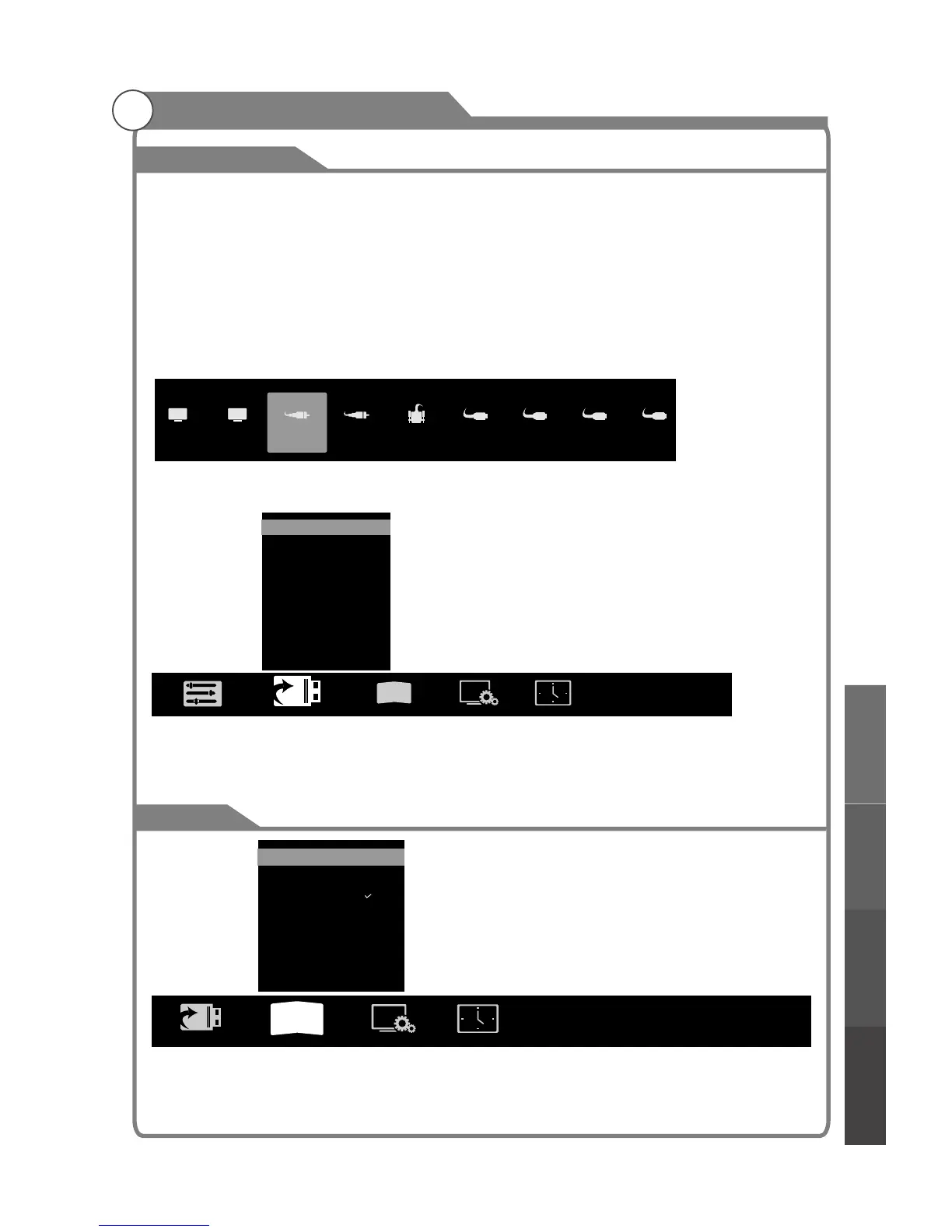
Press INPUT key on the remote control to enter "INPUT SOURCE" menu. These options
for you to select: DTV, ATV, AV, YPbPr, VGA, HDMI1, HDMI2, HDMI3, HDMI4 . Use /
key to move the cursor to the input you desired and press OK key to confirm. To cancel,
press EXIT.
NOTE: Pressing INPUT from the home page will bring up the current inputs screen before
displaying the menu. Press INPUT again to do so.
2. Input Source menu
1. Press MENU key to display the main menu on the screen.
2. Press / key to select "Input Source” option.
3. Press OK key to enter submenu.
t u
t u
Input Source
3D
DTV ATV
YPbPr
VGA
HDMI1 HDMI2
HDMI3
HDMI4
AV
3
D
DTV
ATV
AV
YPbPr
VGA
HDMI1
HDMI2
HDMI3
HDMI4
Figure2
Figure1
1. 2D-3D: Upscale 2D video into 3D mode.
2. 3D-2D: Downscale 3D video into 2D mode.
3. 3D-Off: Turn off 3D mode.
Menu system instruction
3D Left Right
3D Up Down
3D-Off
3D-2D
2D-3D
3D Auto Off
3D Engine ...
3D Clarity
3
D
Menu system
instruction
Digital Media PlayerTroubleshooting
Picture defects and
the reason



 To Next Page