3D
Function
4. 3D Auto: When it is ON, 3D mode turns on automatically when 3D video is played via HDMI
or USB. When it is OFF, only the source film with 3D format sigh will automatically switch to
3D mode.
5. Left Right/Up Down/ 3D Clarity: switch between 3D display formats to suit the current 3D
video.
6. 3D Engine:Press OK button to enter the "3D Engine" menu, and set 3D Effect and 3D
Sequence.
Note:
1. Watching 3D content for a long time may cause headache or eyestrain to you, please stop
watching if you feel uncomfortable and take a rest immediately. Please consult a
doctor if the feeling persists.
2. The appropriate 3D videos are needed for watching 3D content.
3. It is suggested to watch 3D program under the operation temperature above 10c° to obtain
the best 3D effect.
4. When in 3D mode, “2D-3D” can’t be selected. When in 2D mode, “3D-2D” can’t be selected.
NOTE: Some 3D videos may not be encoded with a 3D marker if the TV dose not detect it on
its own, please turn on 3D manually.
1. Press p/q key to select “ " option.
2. Press OK key to display the OSD setting menu.
OSD Language: select the proper language
OSD Time : Set the preferred amount of time for
the OSD to be displayed on the screen.
. Press p/q key
2. Press OK key to enter " " submenu, "Please
OSD Setting
You can modify the OSD set to suit your user
preferences.
OSD Setting
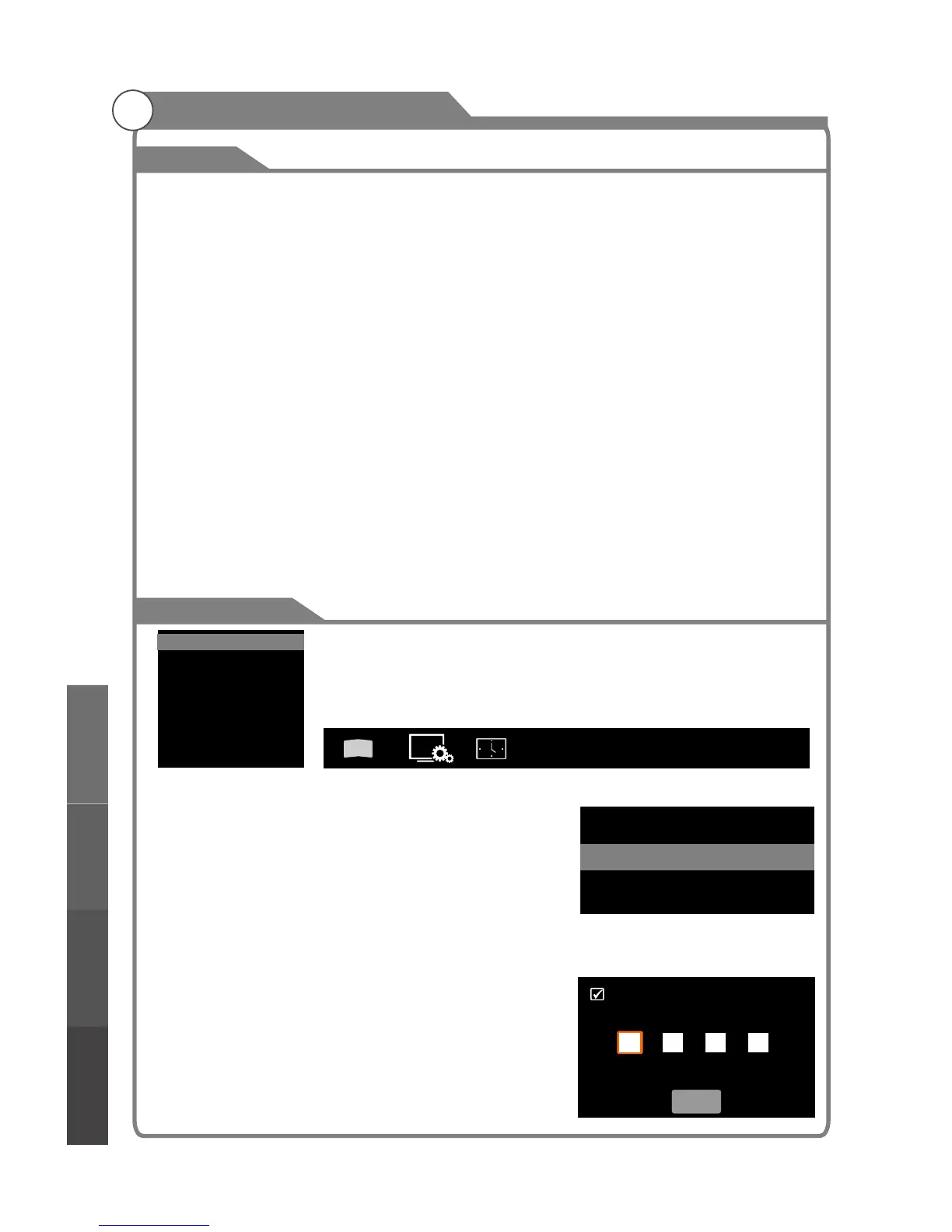
Lock (Optional)
1
Lock
The lock feature requires a Password to be entered
before any settings can be changed.
and select "Lock" under the
"Function" menu.
32
OSD Setting
OSD Language
OSD Timet
English
Always
Menu system instruction
3
D
OSD Setting ...
Lock
PVR File System
Screen Saver
Noise Reduction
RGB Range
Reset
...
...
Off
Default
16~235
...
Please enter password
Cancel
Menu system
instruction
Digital Media Player
Troubleshooting
Picture defects and
the reason



 To Next Page