8
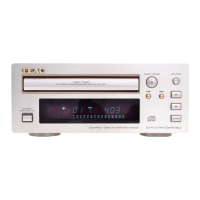
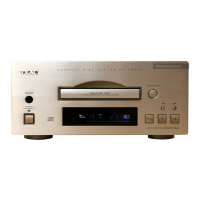
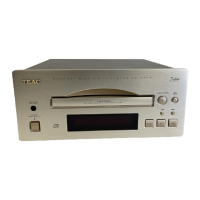
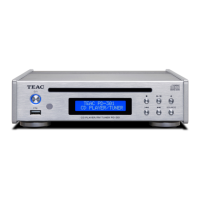
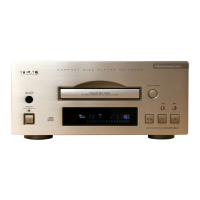
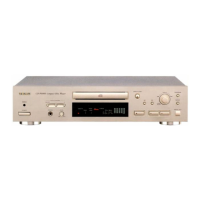
Name and Function
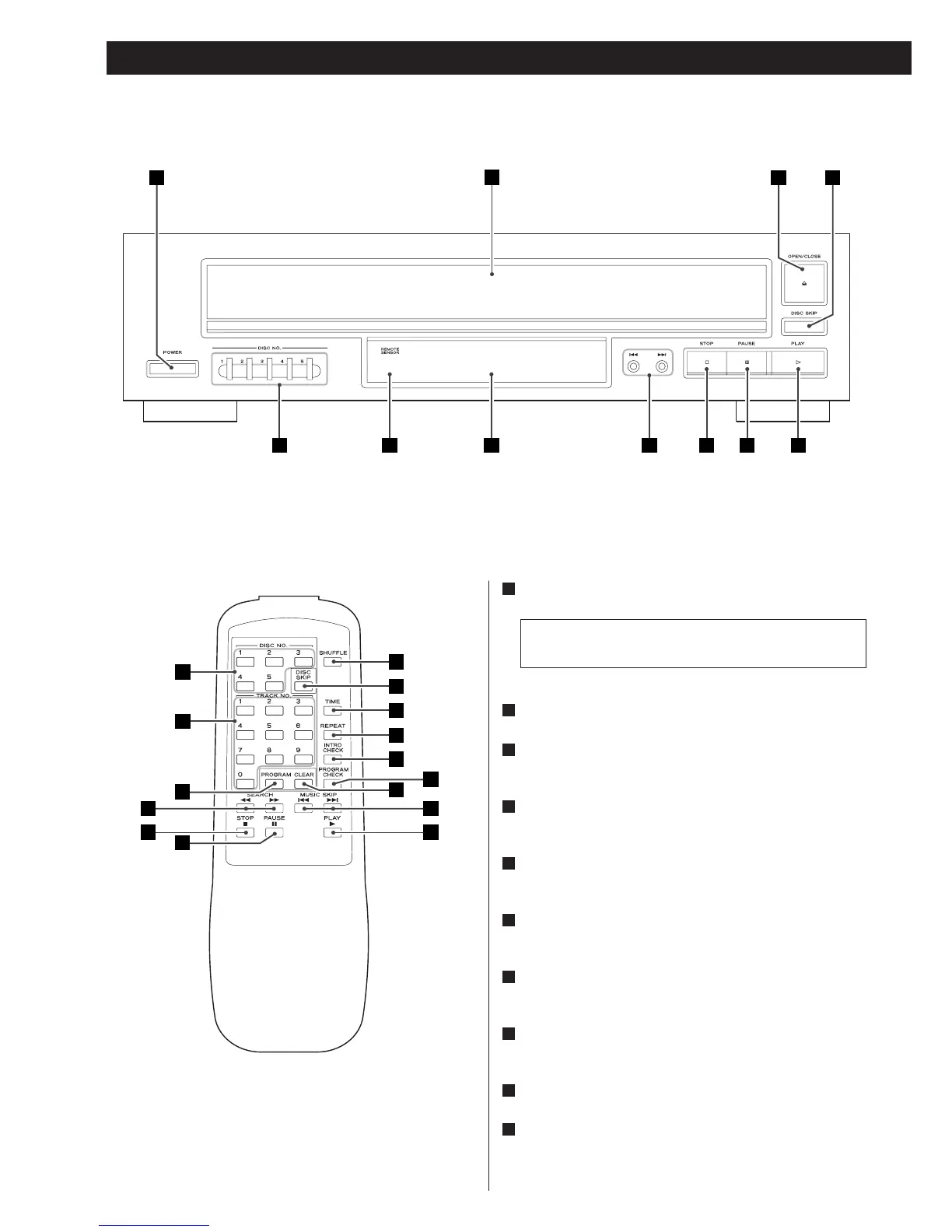
A C D
B
EFGHK IJ
K
O
P
Q
R
D
L
T
S
F
M
EG
N U
A
POWER
Press this button to turn the unit on or off.
The equipment draws nominal non-operating power from
the AC outlet with its POWER switch in the OFF position.
B
Disc tray
C
OPEN/CLOSE
Use this button to open and close the disc tray.
D
DISC SKIP
Use this button to skip discs.
E
PLAY (y)
Use this button to start playback.
F
PAUSE (J)
Use this button to pause playback.
G
STOP (H)
Use this button to stop playback.
H
Skip/Search buttons
Use these buttons to skip or search tracks.
I
Display
J
Remote Sensor
When operating the remote control unit, point it towards the
remote sensor.



 To Next Page