BLUETOOTH CONNECTION
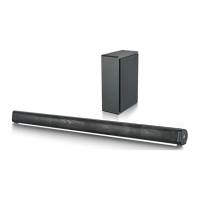
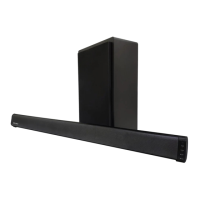
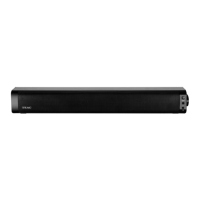
Pair the SB20203M soundbar to your device:
1 - Press the mode buon on the soundbar to enter Bluetooth mode.
2 - Turn on the Bluetooth funcon on your Smartphone or device. Under the Bluetooth
sengs menu, scan for devices.
3 - When the soundbar is detected, SB20203M will appear in the list of nearby devices.
Select it to connect.
INDICATOR LIGHT SIGNALS
Fast blinking blue light
- Pairing mode searching for Bluetooth device
Blue solid light
- Device successfully paired
Blinking blue light
- Bluetooth playback occuring
Red solid light
- Line IN Mode
PRODUCT SPECIFICATIONS
Power Input DC 5V
Power Consumpon 2 x 5W
Speaker Size & Number
2.0” Full range speaker x 2 + Passive
speaker x 1
Bluetooth Version 5.0
Bluetooth Distance 10M
Frequency Response 180HZ - 18KHZ
Soundbar Dimensions 43 x 6.0 x 5.8cm
Net Weight 710g


 To Next Page