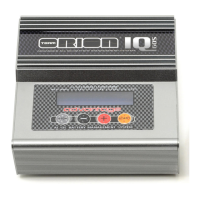
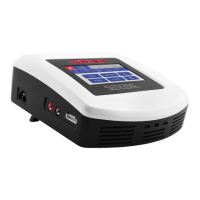
2 - English
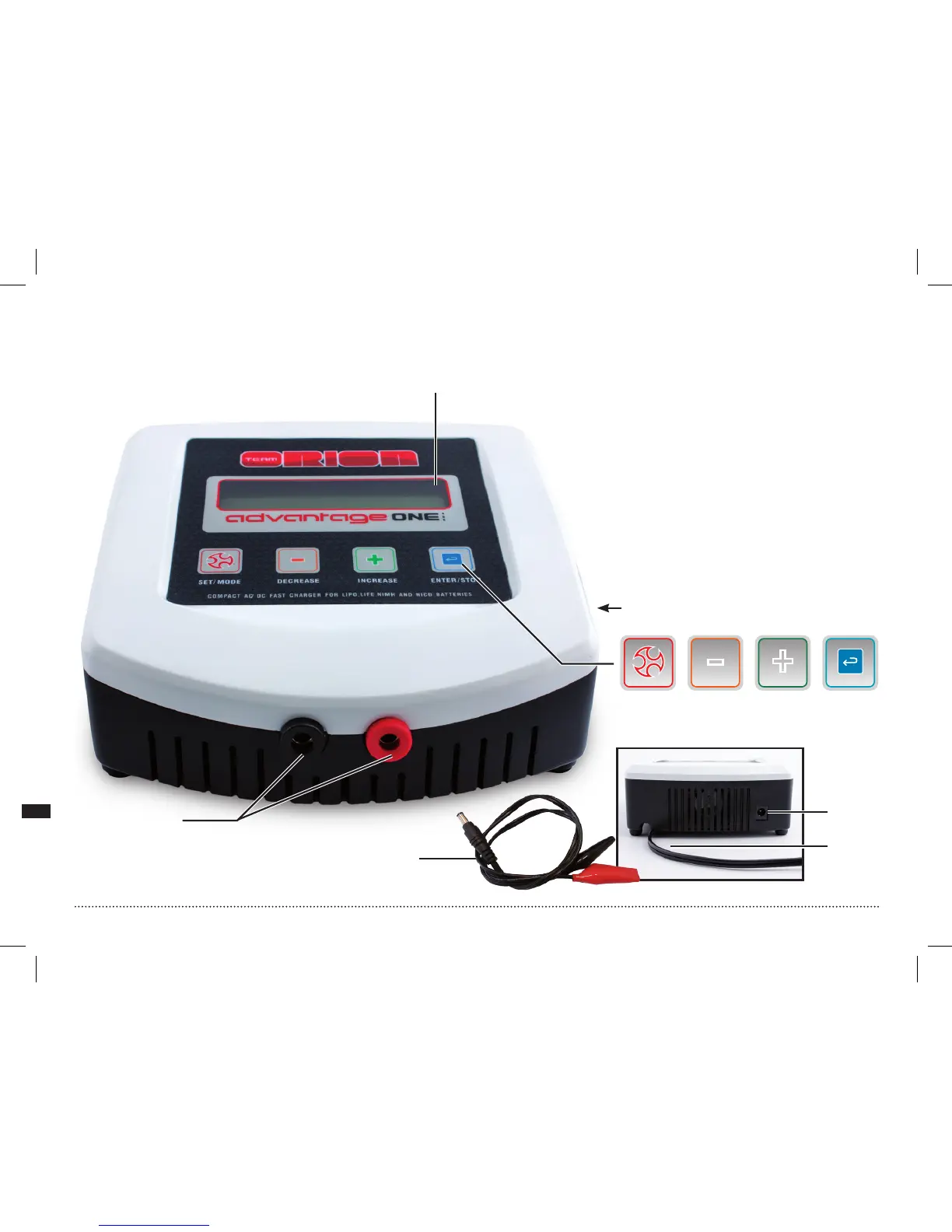
1. LCD Screen
2. Change display mode, exit settings
mode, show input/output voltage
while main screen is displayed
3. Change parameter setting
4.
Enter setup mode, select parameter,
start/stop charge
5. Charge lead connectors
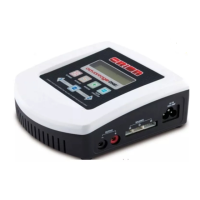
6. Balance plug connectors JST-XH
7. AC power cord
8. DC power cord
9. DC power input connector


 To Next Page