5. INSTALLATION PROCEDURE
EO1-13016
5.5 Self Test Print
5- 5
5.5 Self Test Print
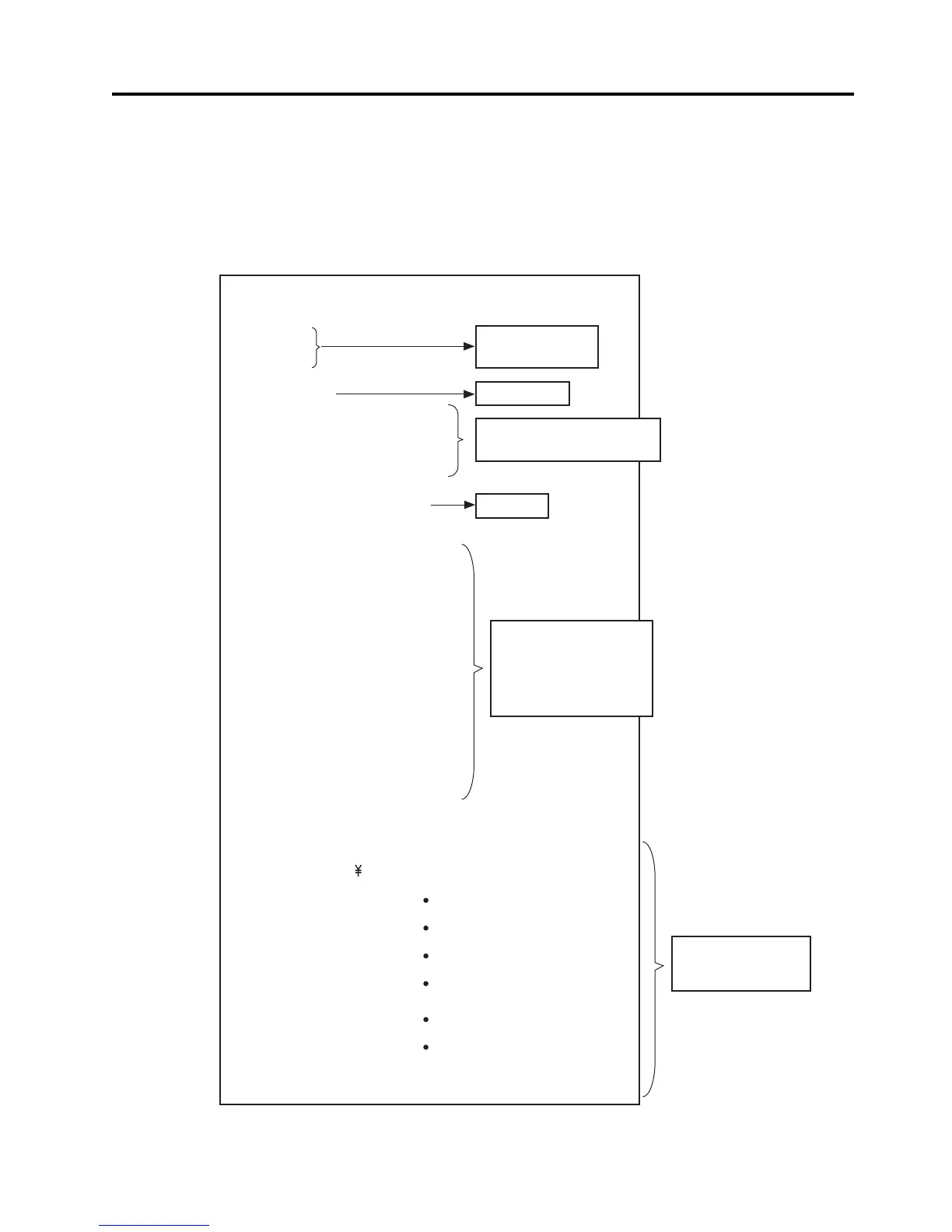
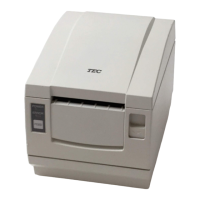
When the power is turned on while pressing the [FEED] button, the printer will start a self test print.
After completing the self test print, the printer will automatically cut the receipt and return to the stand-
by mode. (while the printer is restored, the POWER LED goes off for a moment and soon lights again.)
If the [FEED] button is kept pressed while the printer is restored, the self test print will be performed
again.
TRST-56
MPVX.XX
LPVX.XX
Serial Interface
Baud Rate : 9600 bps
Data Bit : 8 bits
Parity : Odd
Handshake : DTR/DSR
Buffer Size : 4K byte
Dip Switches
DS1
12345678
ON o o
OFF ooooo o
DS2
12345678910
ON
OFFoooooooooo
DS3
12345678
ON o
OFFoooo ooo
!” #$%&’ ()*+-./0123456789:;<=>?@ABCDEFGHIJKLMNO
PQRSTUVWXYZ[ ] ^ _ ‘abcdefghijklmnopqrstuvwxyz{|}~
Firmware Version
Loader Version
Interface Type
Communication Specification
(Serial Interface model only)
Buffer Size
Dip Switch Settings
(Different depending
on the destination)
Dip Switch 3 settings
are printed for the Serial
Interface model only)
Printable Characters
(Different depending
on the destination)


 To Next Page