22
DAN
NOR
FIN
SWE
ENG
POL
RUS
ENG
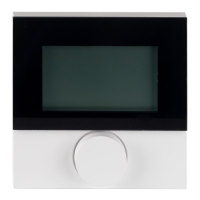
Device overview
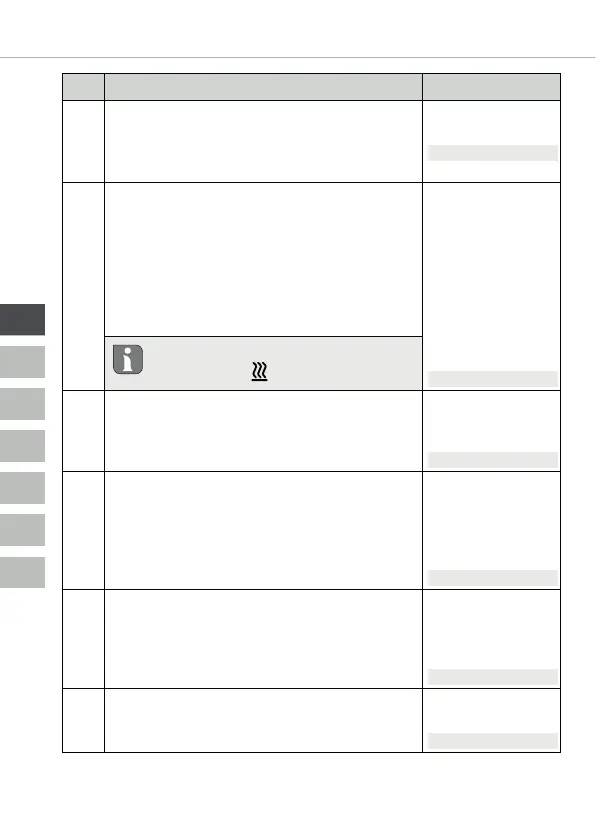
No. Description Setting
032
Restricted operation
Switch-over of the room control unit operat-
ing lock between “Standard” and “Restricted
operation”.
0 = deactivated
1 = activated
Standard: 0
040
External sensor (only Control)
Registration of an external room/floor sensor
or dew point sensor (TPS). The registration
of a room sensor (1) deactivates the internal
sensor. If a floor sensor (2) is used, the min-
imum floor temperature can be set via the
Settings menu in the function “External floor
sensor”.
0 = no external
sensor
1 = room sensor
2 = floor sensor
3 = dew point
sensor (TPS)
Standard: 0
A floor sensor (2) can only be used in
the “Heating”( ) voperating mode.
041
Correction of actual temperature of
external sensor (only Control)
Corrects a deviating measurement of the ac-
tual temperature.
-2 ... +2°C
Standard: 0 °C
042
Inverting the dew point sensor
(Control only)
Reverses the control direction of the dew
point sensor registered with the device.
NO = Normally Open
NC = Normally Closed
0 = NC
1 = NO
Standard: 0
050
Duration of the display illumination
Sets the duration of further illumination of
the display after use.
0 ... 30sec.
in 5 second incre-
ments
Standard: 15sec.
090
Signalling of switching output
Signalises the control of switching outputs by
a flashing heating resp. cooling symbol.
0 = deactivated
1 = activated
Standard: 1


 To Next Page