20
DAN
NOR
FIN
SWE
ENG
POL
RUS
ENG
Device overview
4.2.3 Service menu
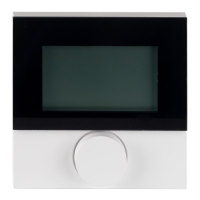
Room thermostats Comfort and Control!
An optimal tuning of the overall system can be reached by
corresponding settings of the system parameters. In order
to avoid a faulty configuration, this menu is protected by a
4-digit PIN (standard: 1234).
¾ Open the menu selection by pressing.
¾ Select the Parameter menu.
¾ Activate the menu by pressing again.
¾ Select the menu entry “Code”.
¾ Activate the PIN entry by pressing.
¾ Enter the 4-digit PIN (standard: 1234). Select the individual ci-
phers by rotating and confirm by pressing.
CAUTION
Damage to the installation!
Faulty configuration can lead to errors and installation damage.
¾ Only authorised specialists may perform settings.
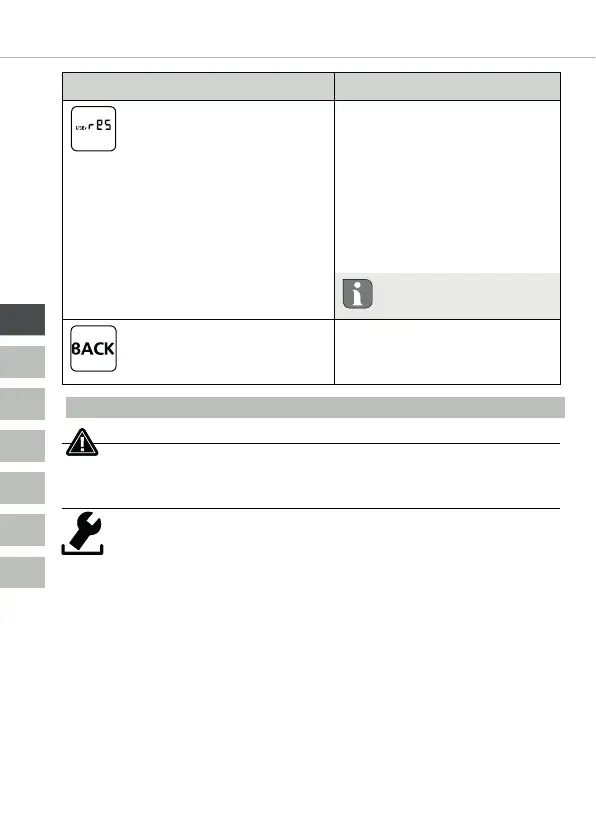
Description Steps
Factory settings
Restores the factory settings.
All previously made settings
will be reset.
¾ Confirm the selection
by pressing.
¾ Select the entry “Yes”
for resetting.
¾ Press the rotary con-
trol for 5 seconds.
9 A restart is performed.
The basic level is displayed
subsequently.
The entry “No” cancels
the process.
Back
Leaves the menu.
¾ Confirm the selection
by pressing.
9 The basic level is displayed.


 To Next Page